What's New
Stay up to date with the latest features, improvements, and updates to FigForm.
February 18, 2026
States - Design Interactive Form Elements
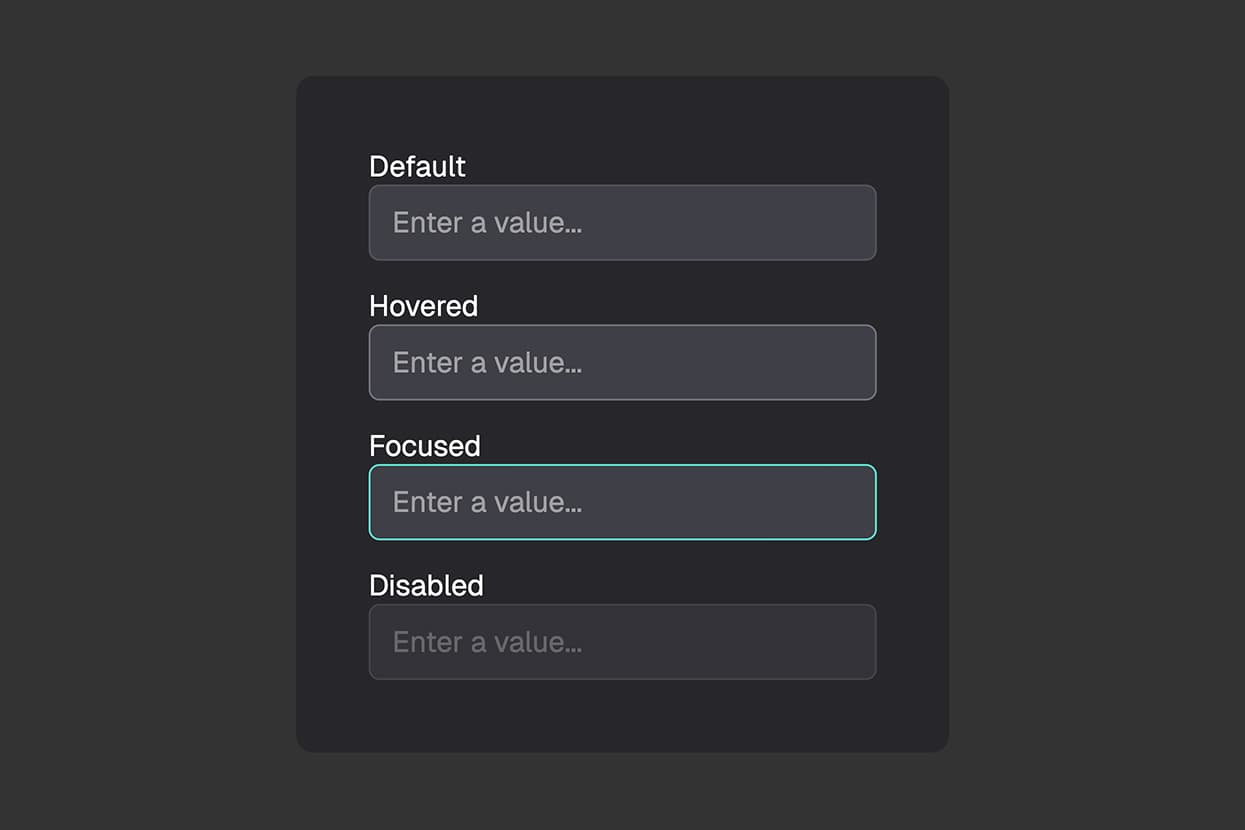
Learn how to use states to style form elements based on user interaction. Control how elements look on hover, press, focus, disable, and check.
February 17, 2026
Undo & Redo - Fix Mistakes Instantly
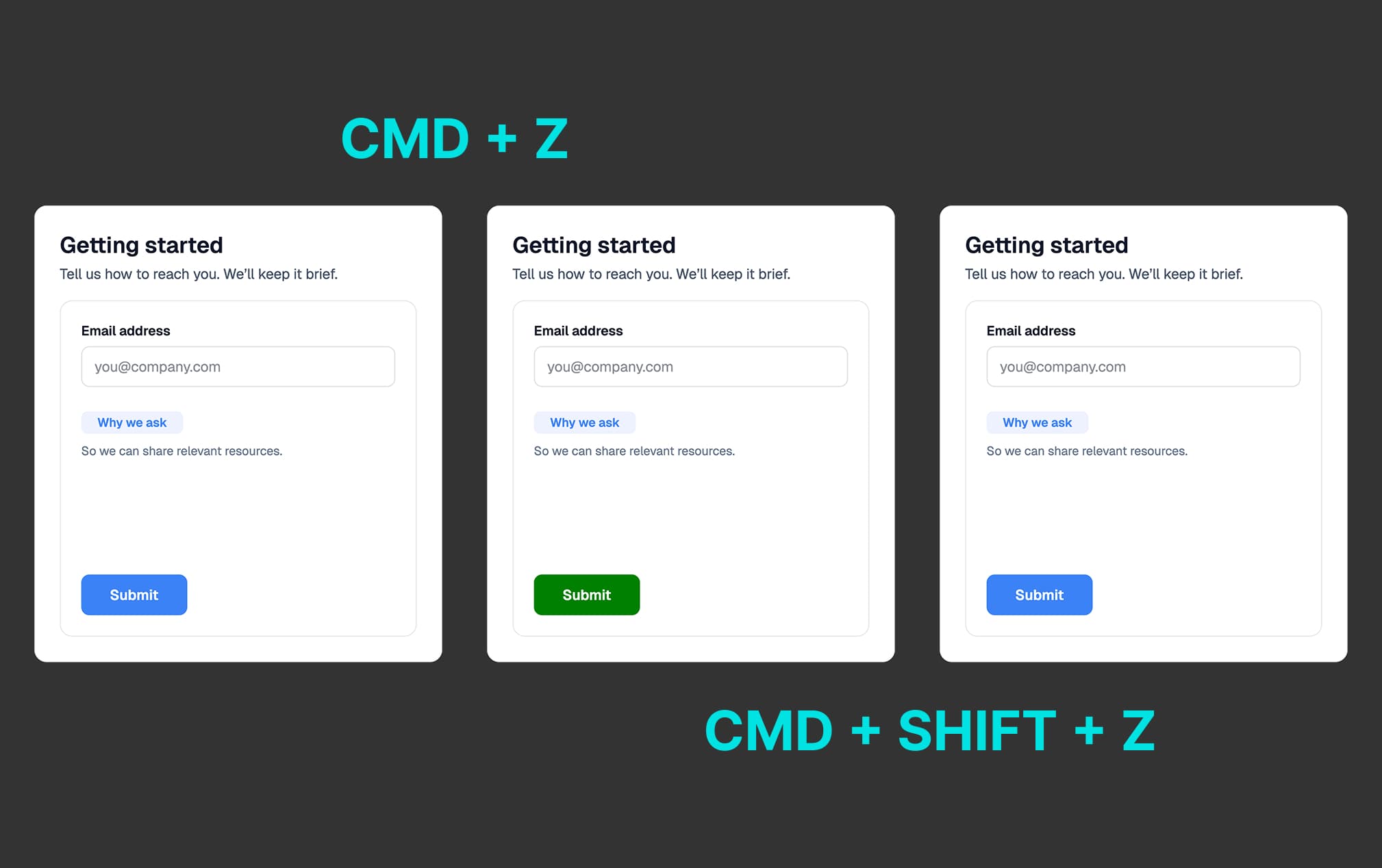
Learn how to use undo and redo shortcuts in FigForm to reverse changes and recover from mistakes with keyboard shortcuts.
February 16, 2026
Real-Time Collaboration - Build Forms Together
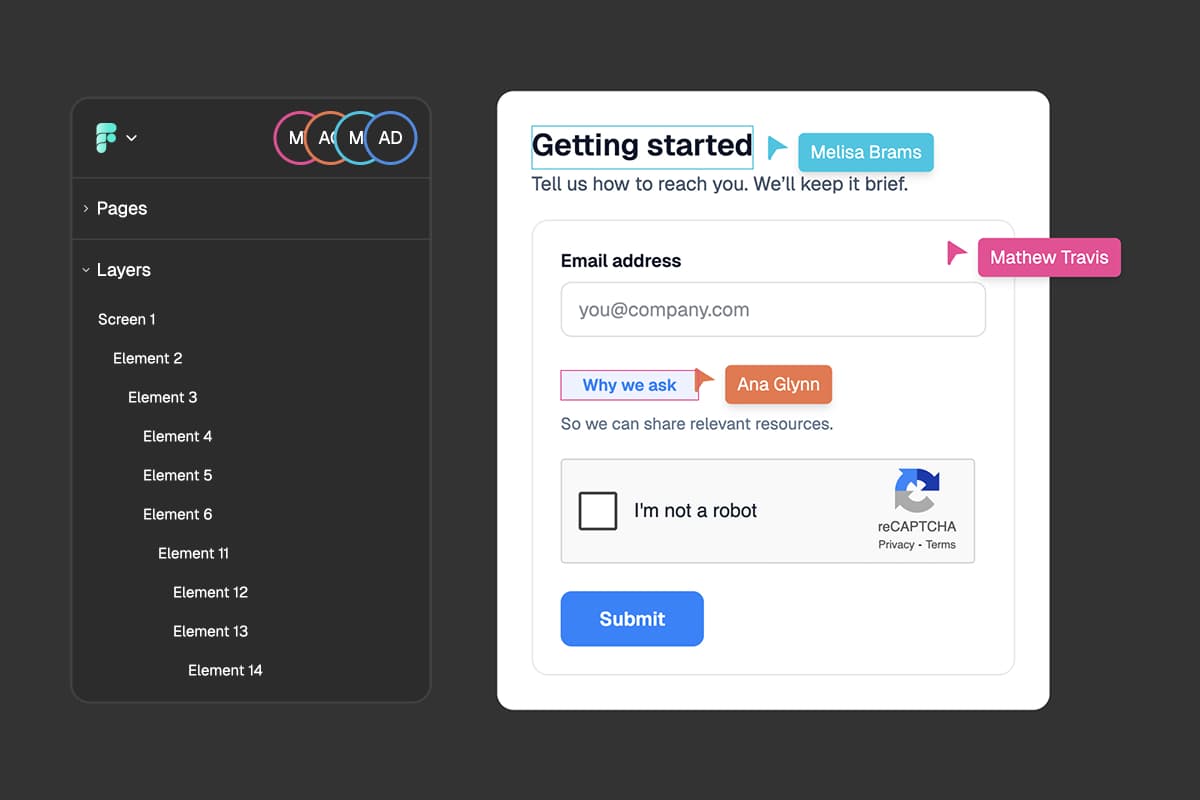
Work together on forms with your team in real-time. See live cursors, track what others are editing, and collaborate seamlessly.
February 15, 2026
Checkbox Inputs - Select Multiple Options
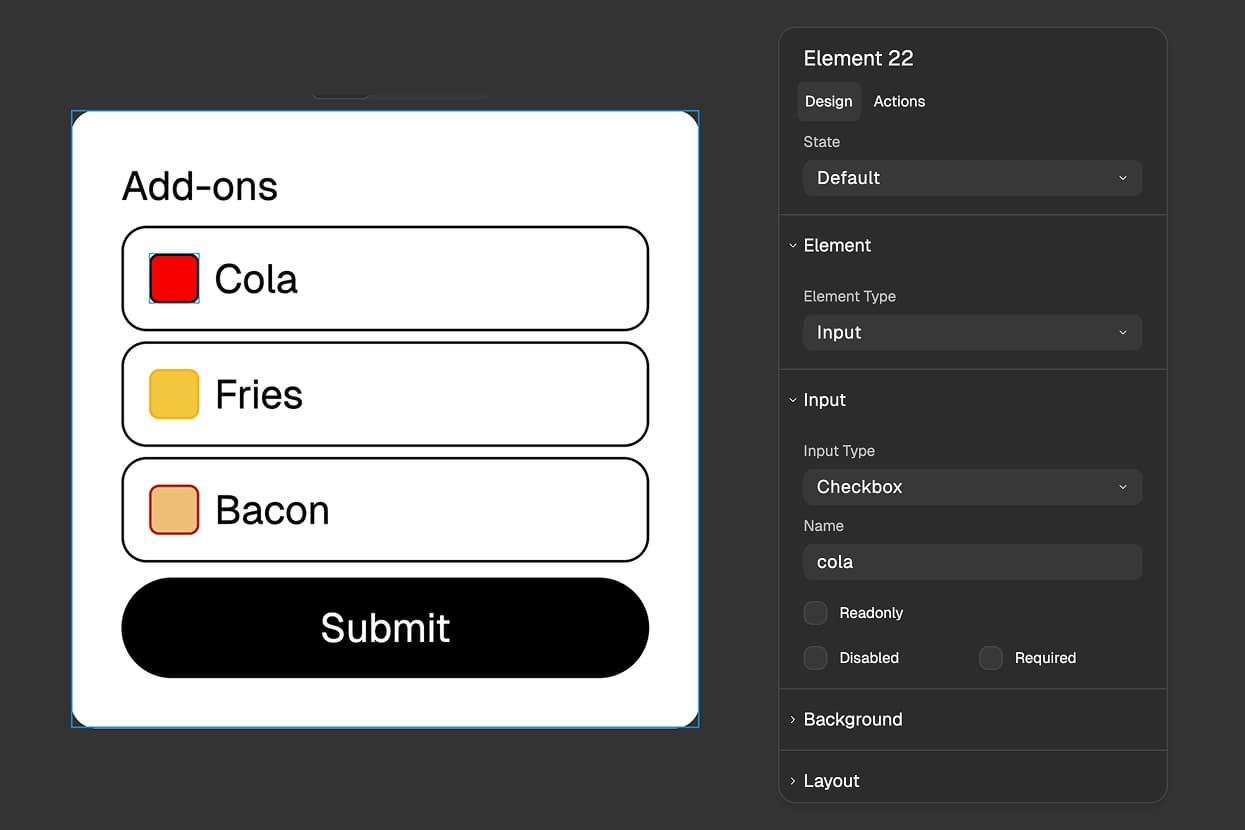
Add checkbox inputs to your forms for multiple-choice selections. Each checkbox records a simple true or false answer.
February 14, 2026
Radio Inputs - Create Single-Choice Questions
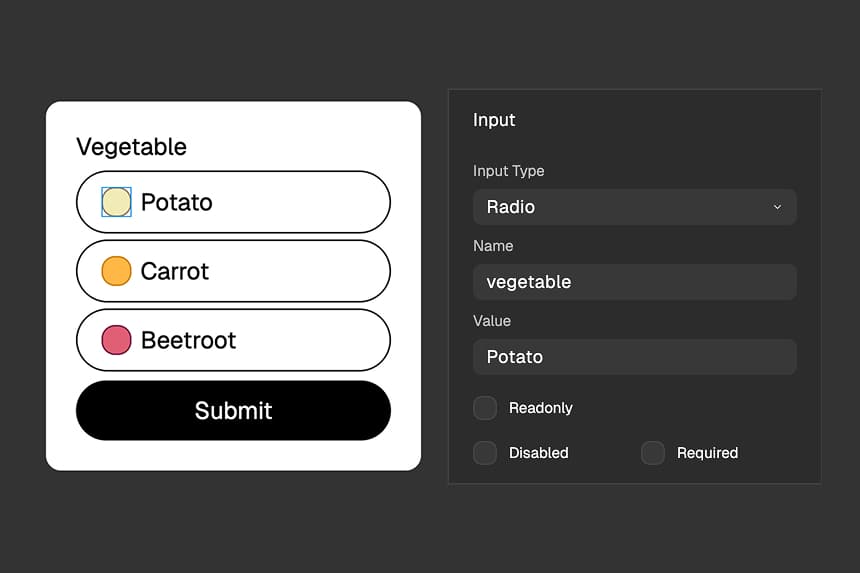
Add radio inputs to your forms for single-choice questions. Group radio buttons with the same Name and different Values.
February 12, 2026
CAPTCHA Protection - Stop Spam and Bot Submissions
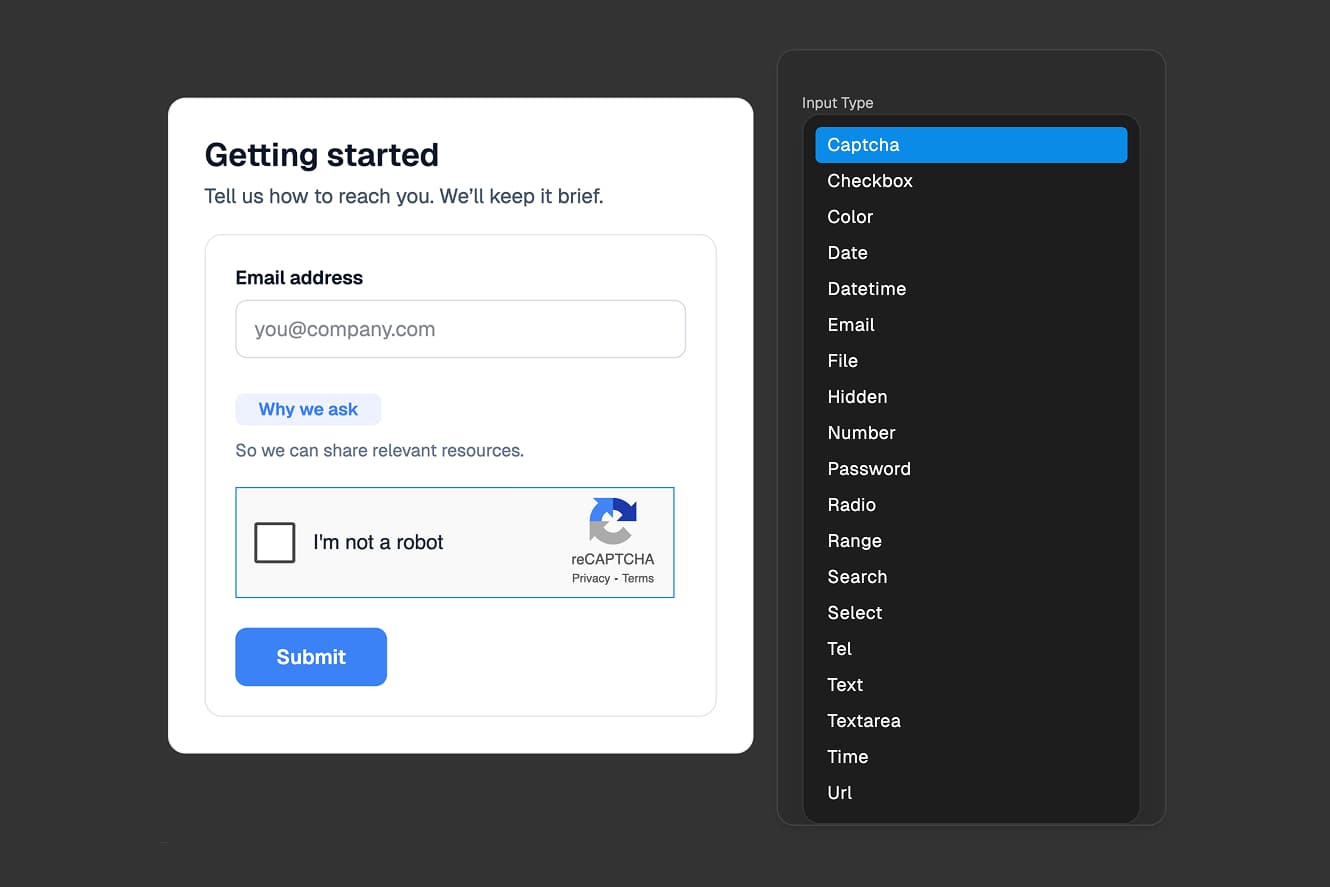
Add CAPTCHA verification to your forms to prevent spam and bot submissions. Keep your data clean with simple drag-and-drop protection.
January 14, 2026
Element Alignment - Position Content with a 9-Grid System
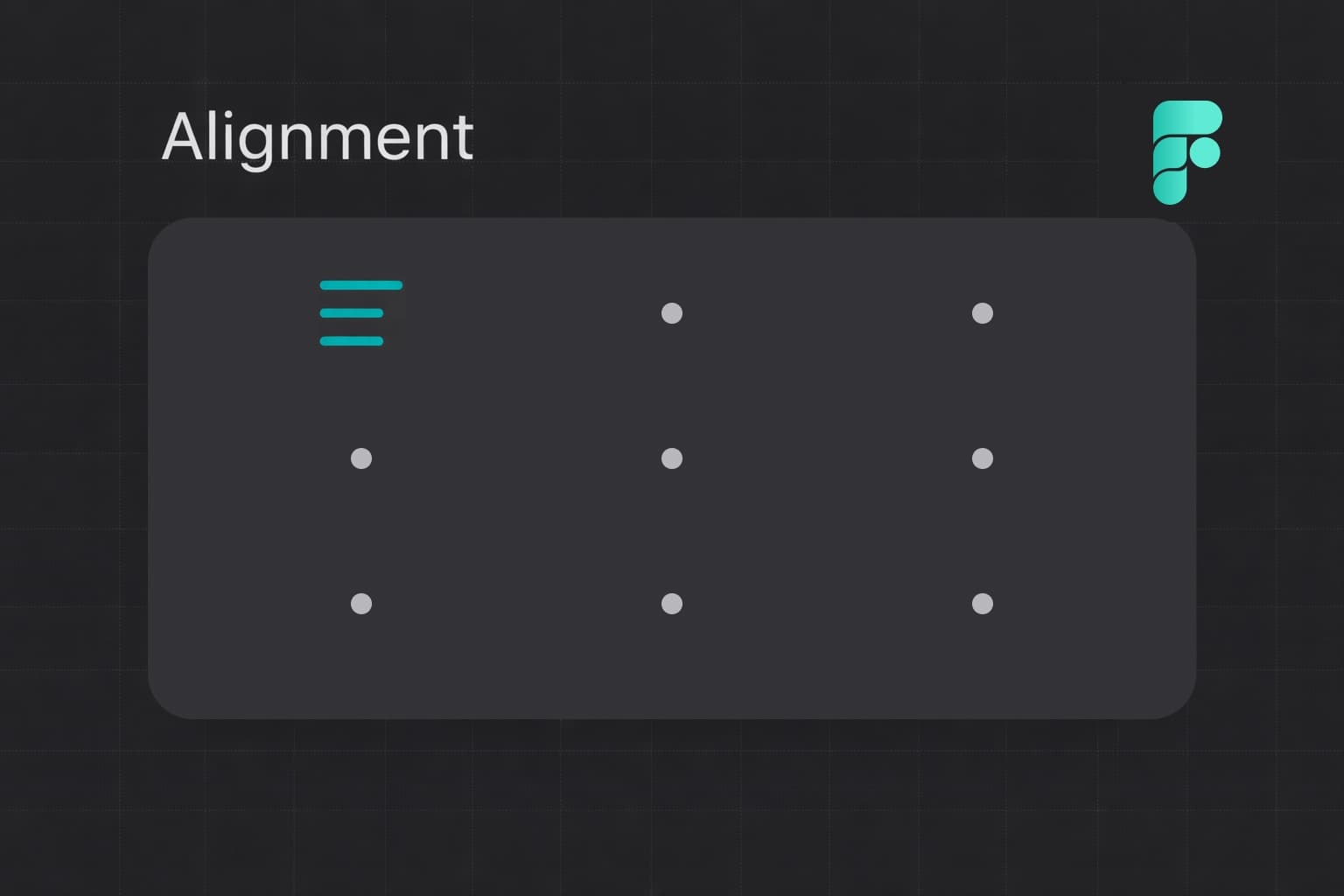
Learn how to align content inside containers using FigForm's visual 9-position grid. Works just like HTML alignment controls.
January 4, 2026
Absolute Positioning - Position Elements Freely
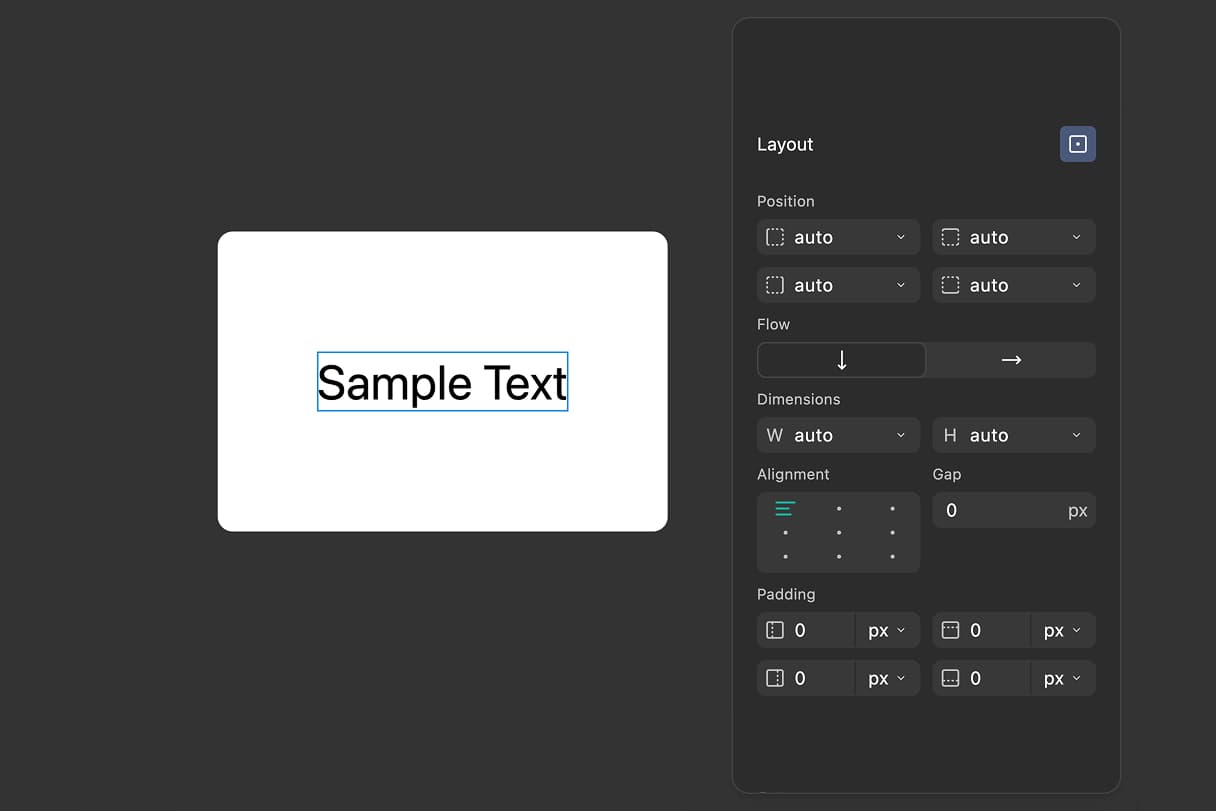
Position elements freely using left, right, top, and bottom properties, just like HTML absolute positioning in auto layouts.
December 13, 2025
Custom Domains - Host Forms on Your Own Domain
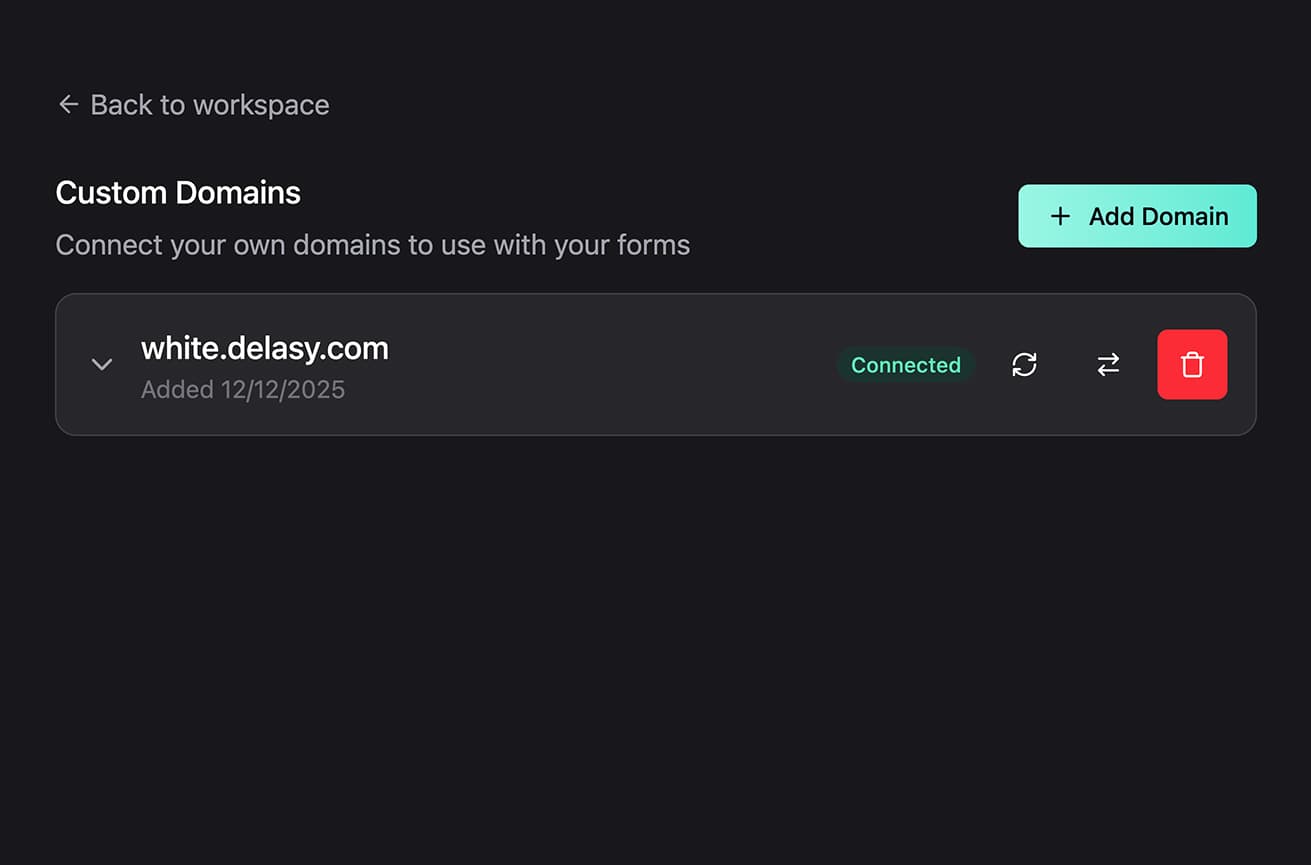
Connect your own domain to FigForm, configure DNS settings, and map forms to custom URLs for a fully branded experience.
December 12, 2025
Invite and Manage Team Members
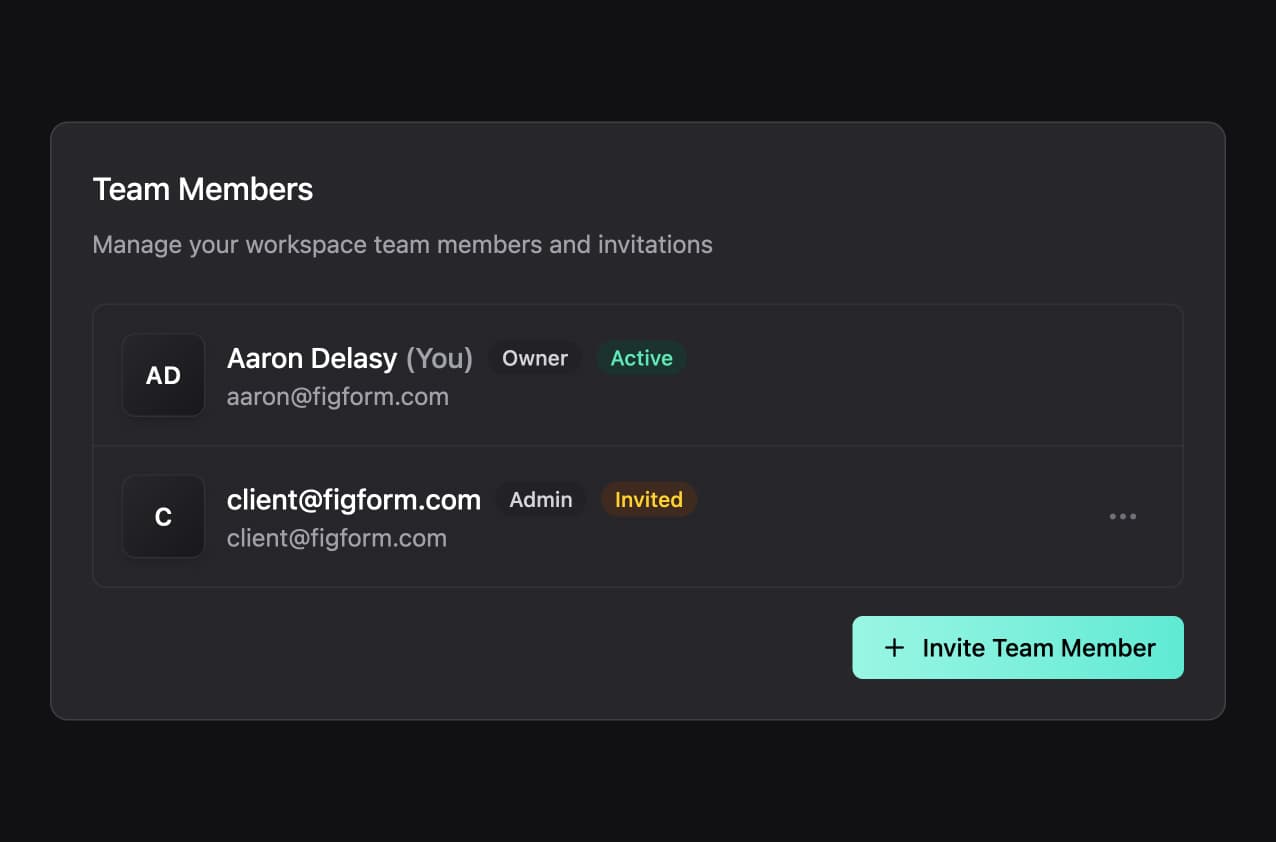
Learn how to invite team members to your workspace, manage admin roles, and collaborate with your team to build forms together.
December 11, 2025
Choose How to Start Your Form
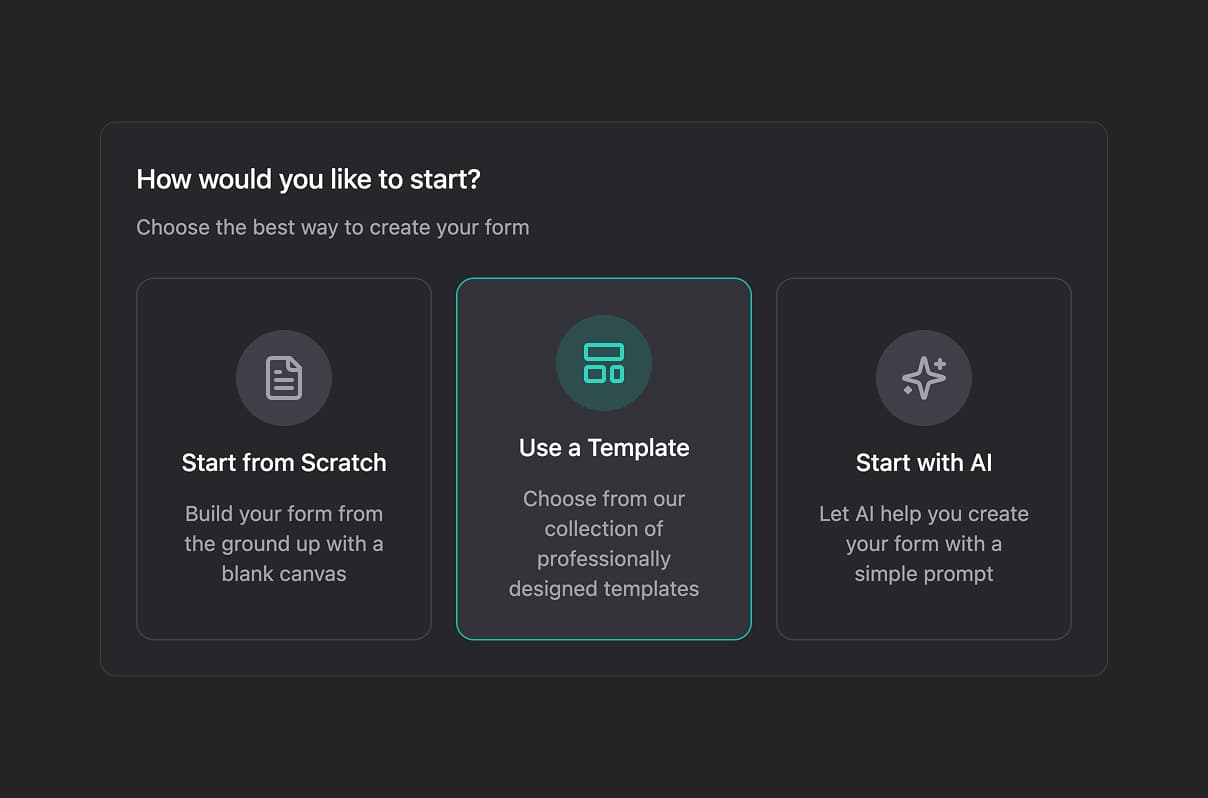
Learn about the starting options modal when creating forms. Choose between starting from scratch, using AI assistance, or applying a template to build faster.
December 10, 2025
Label Elements - Connect Labels to Inputs
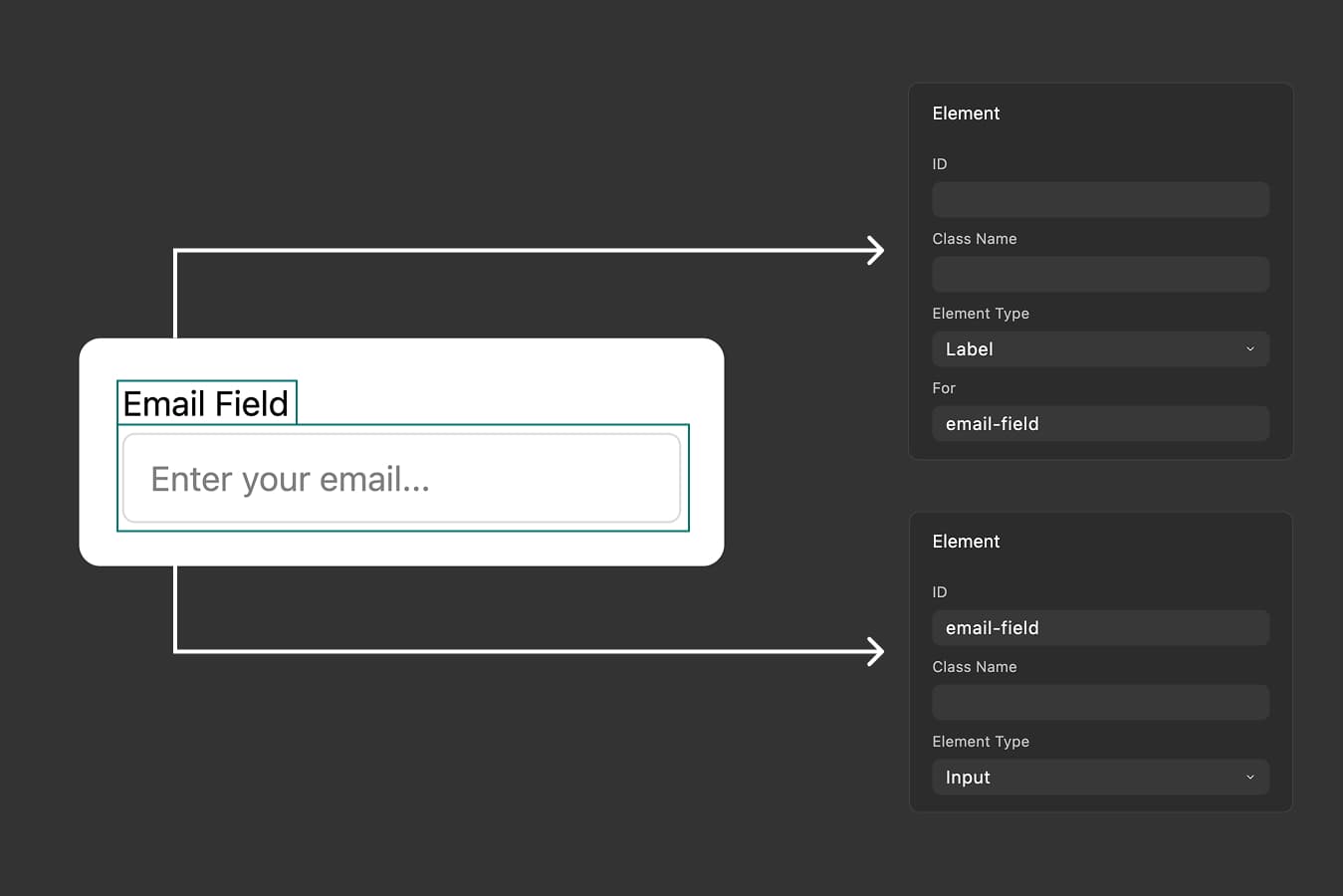
Create label elements, connect them to inputs using the For field, and use label wrapping patterns. Improve accessibility and user experience with proper labels.
December 5, 2025
Duplicate Layers - Clone Elements Instantly
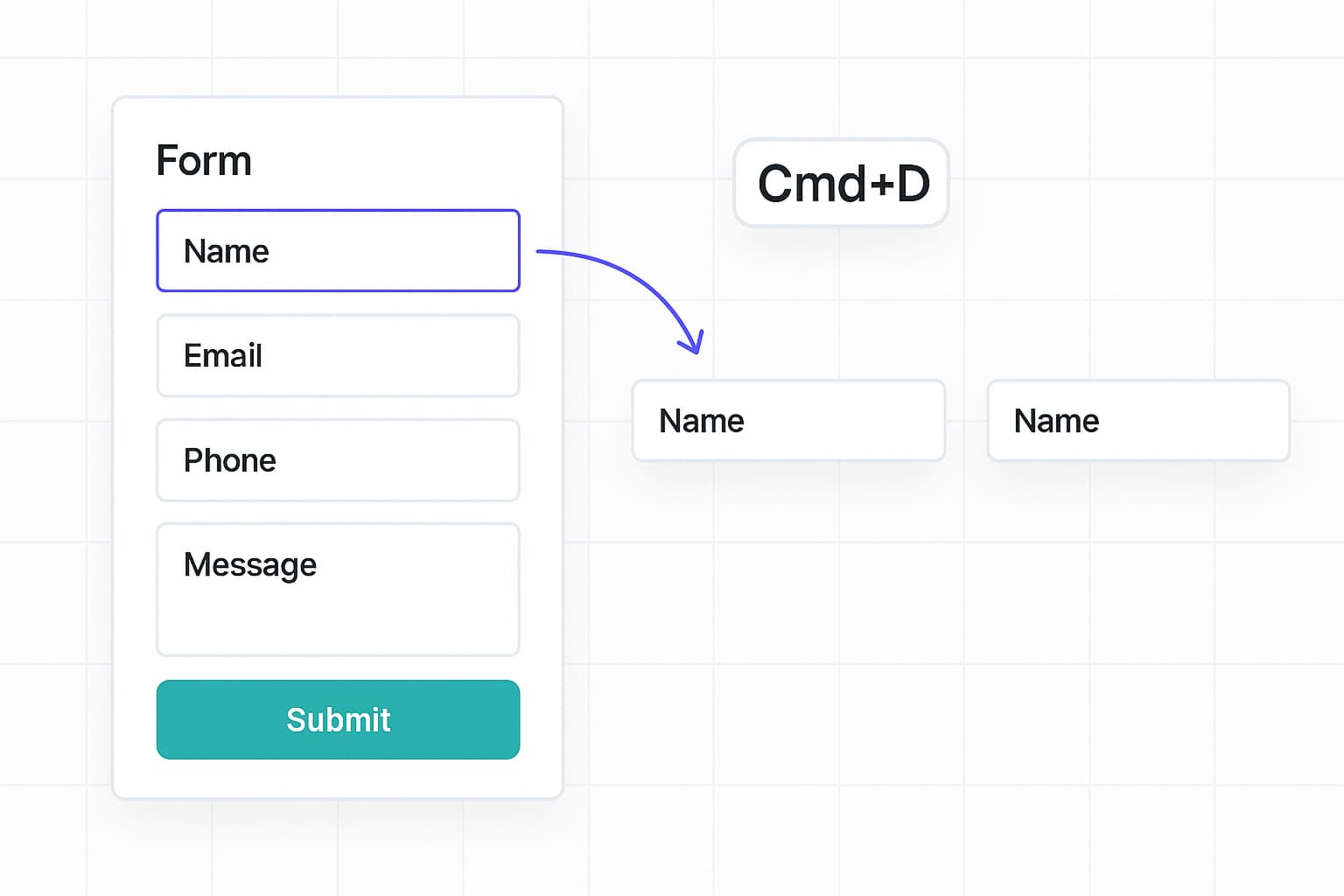
Speed up your form design workflow with the CMD+D (Mac) or CTRL+D (Windows/Linux) keyboard shortcut. Duplicate single or multiple elements instantly with all properties preserved.
December 4, 2025
File Uploads - Collect Files with Beautiful, Customizable Inputs
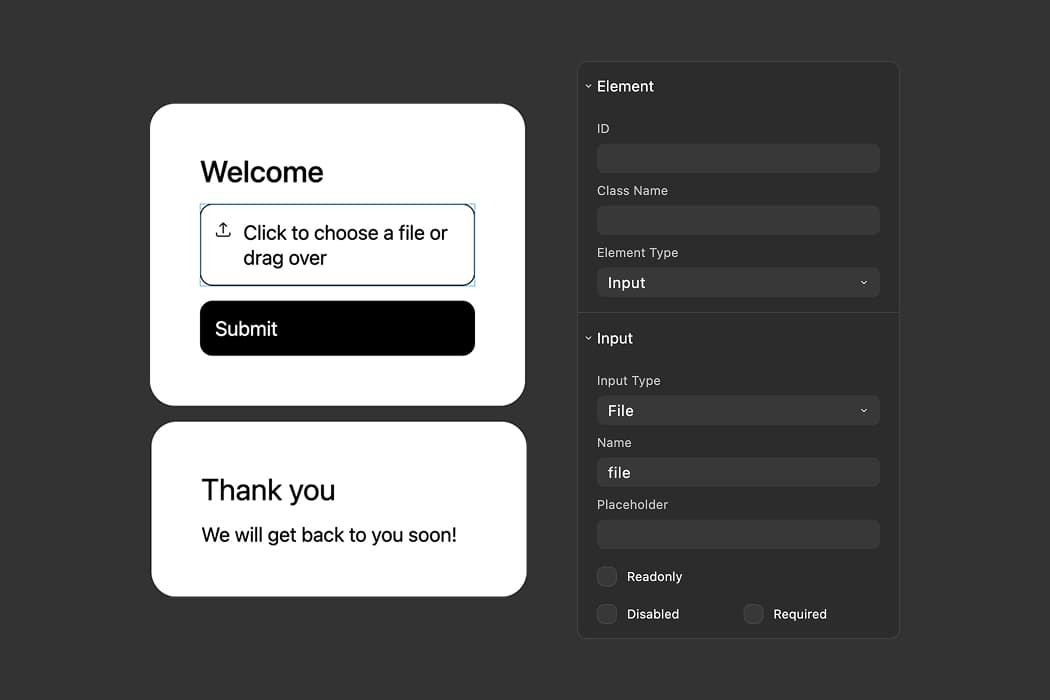
Add file upload inputs to your forms with drag and drop support. Customize the appearance to match your brand and collect files from respondents seamlessly.
November 29, 2025
Reordering Layers - Organize Your Form Structure
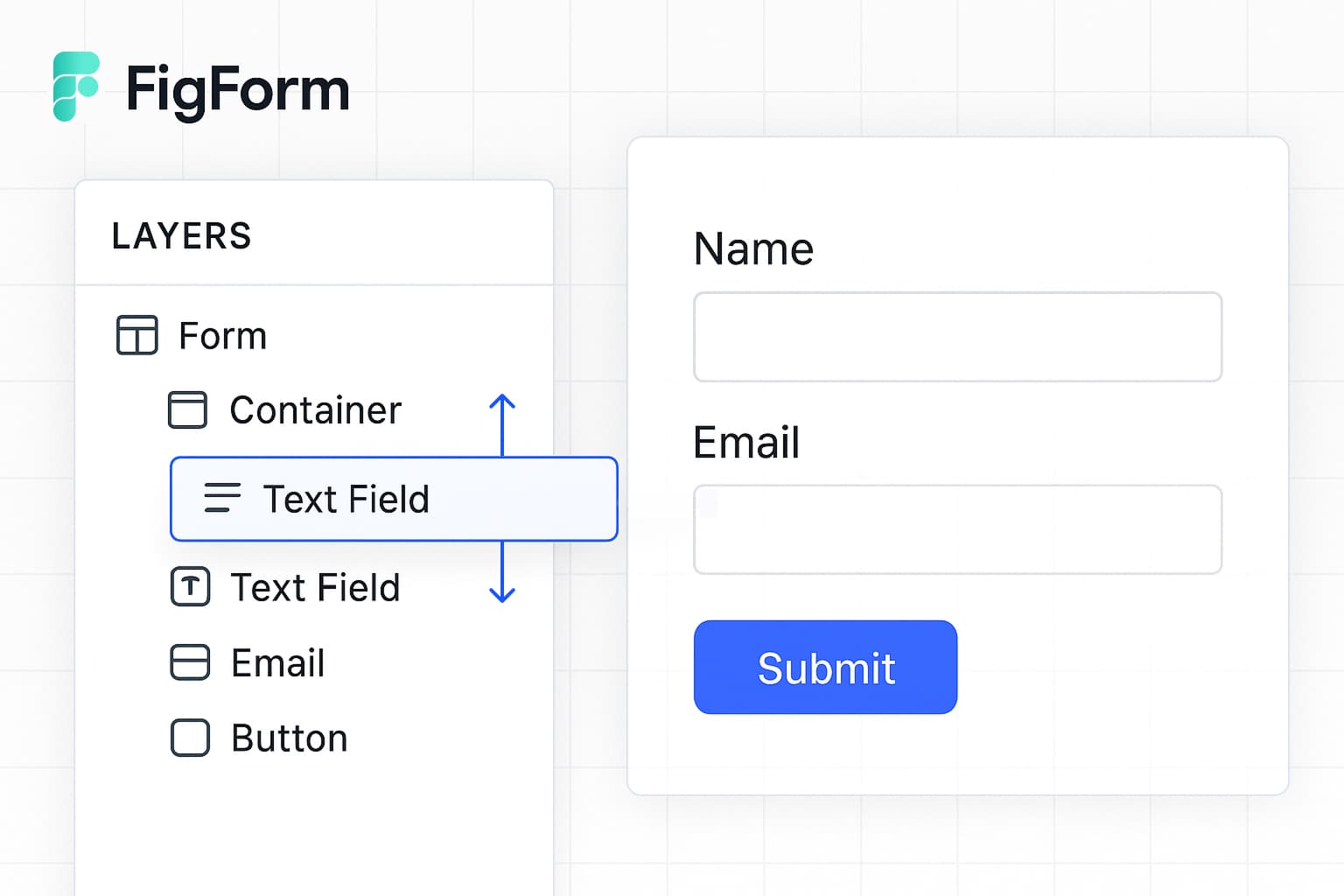
Drag and drop form elements in the layers panel to reorganize form structure. Select single or multiple layers and reorder them instantly.
November 20, 2025
Form Templates - Build Faster with Ready-Made Designs
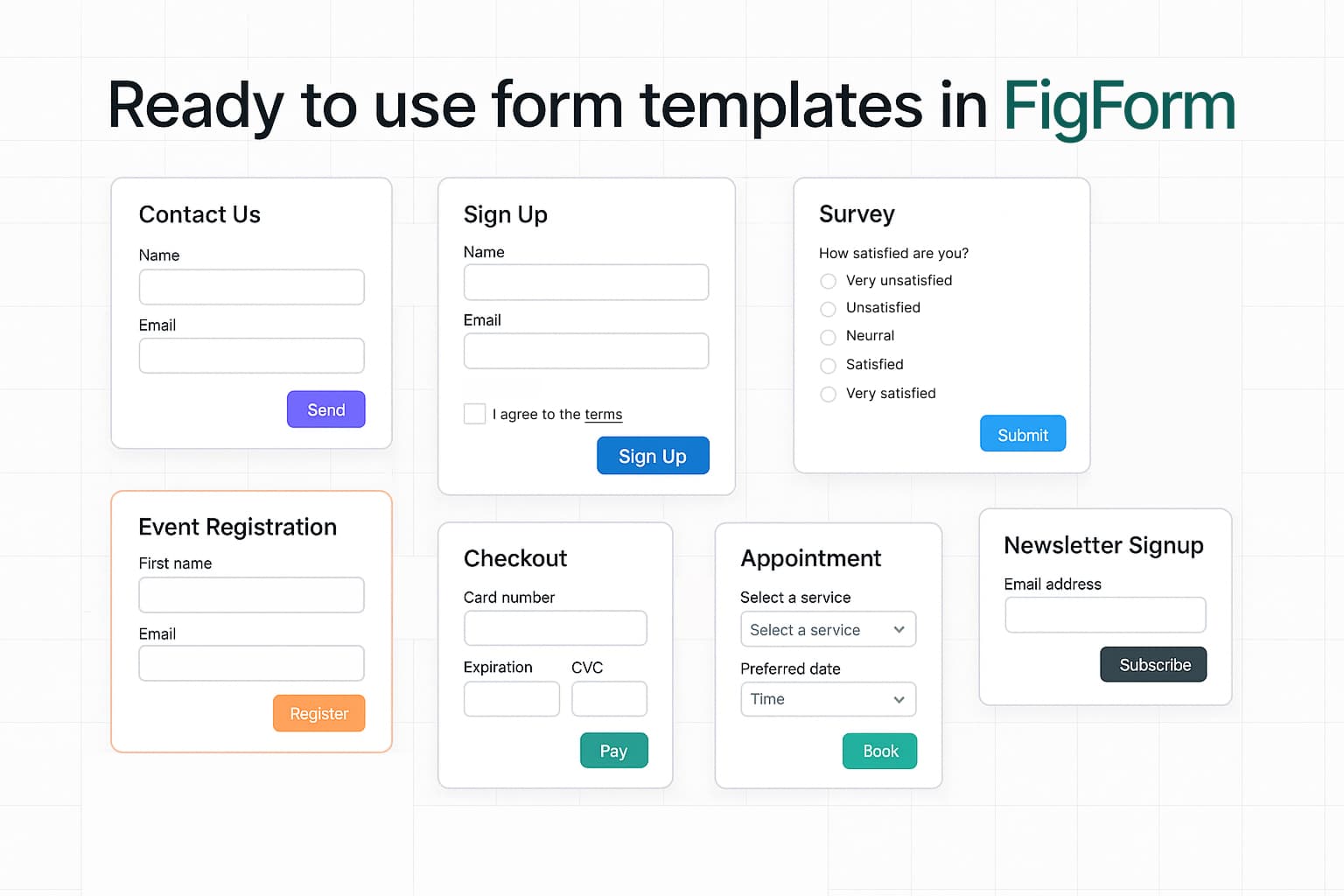
Start with a designed form template, customize it to match your brand, and publish in minutes - no code required. Learn how to use templates and share your own.