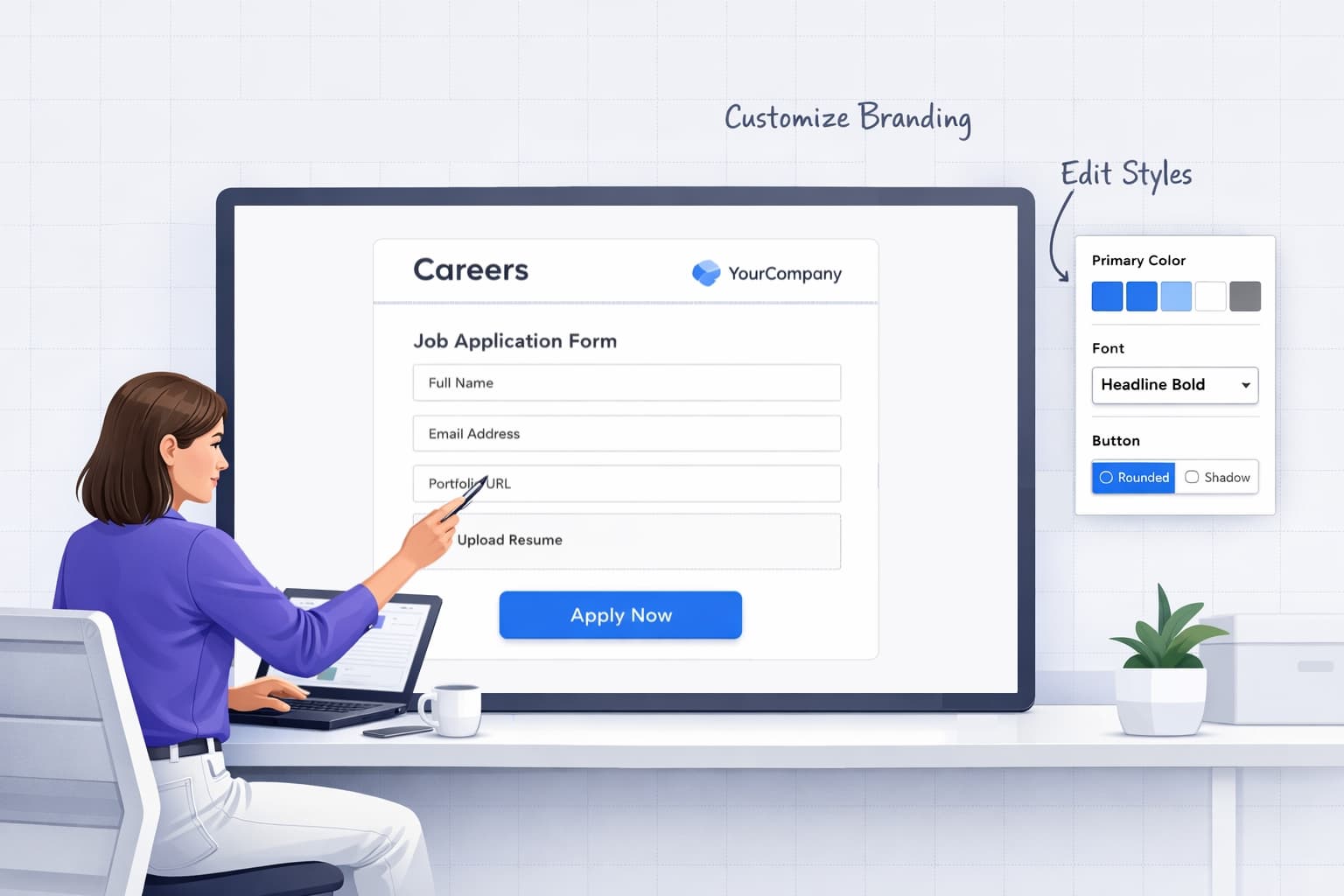
Forms Are Quietly Defining Your Talent Brand
When candidates, employees, and hiring managers interact with your team, they almost always end up in a form.
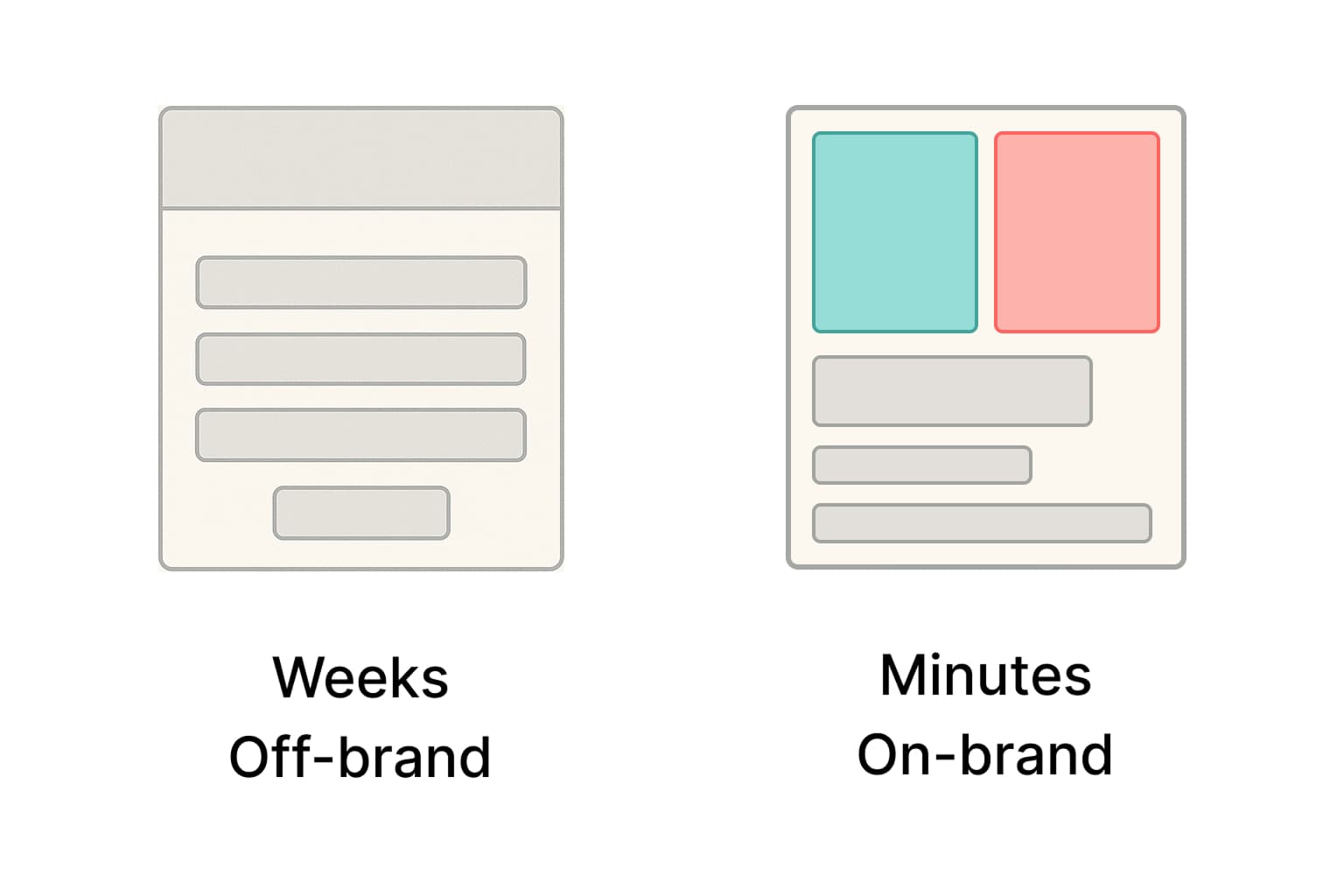
If those forms are generic, boxy, or off-brand, people feel it - even if they can't articulate why. It's the subtle signal of "this might be a side-project" instead of "this company cares about details".
The usual options aren't great and talent teams end up compromising: either wait on devs or accept clunky UI.
FigForm is built to fix exactly that.
What Talent Managers Actually Need from a Form Builder
Let's translate talent reality into product requirements. A form builder for talent managers has to:
- Protect your employer brand
- Be truly no-code
- Draft content fast
- Play nicely with your stack
- Make performance visible
- Scale with your org structure
FigForm checks each of these boxes by design.
Meet FigForm: Your Intuitive, No-Code Form Builder for Talent
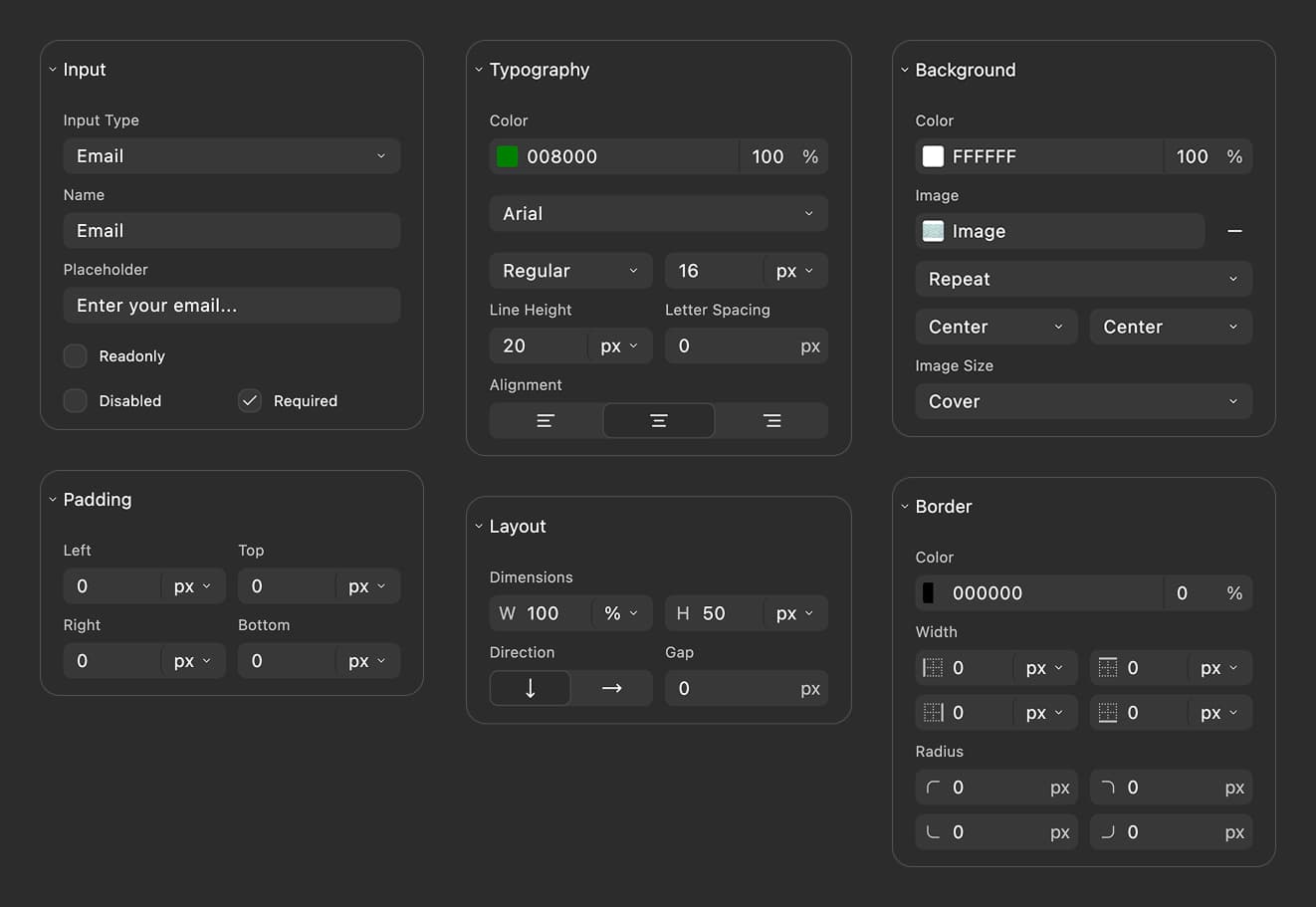
FigForm is a design tool form builder experience wrapped inside a no-code form builder that's safe to run in production.
Design like you're in a design tool
Instead of stacking rigid fields in a narrow column, you get a free-form canvas:
- Arrange sections, headings, and images.
- Align and space elements visually until the form feels like your careers site.
- Apply your brand's colors and typography so every field and button looks "on-brand" by default.

Let AI handle the first draft
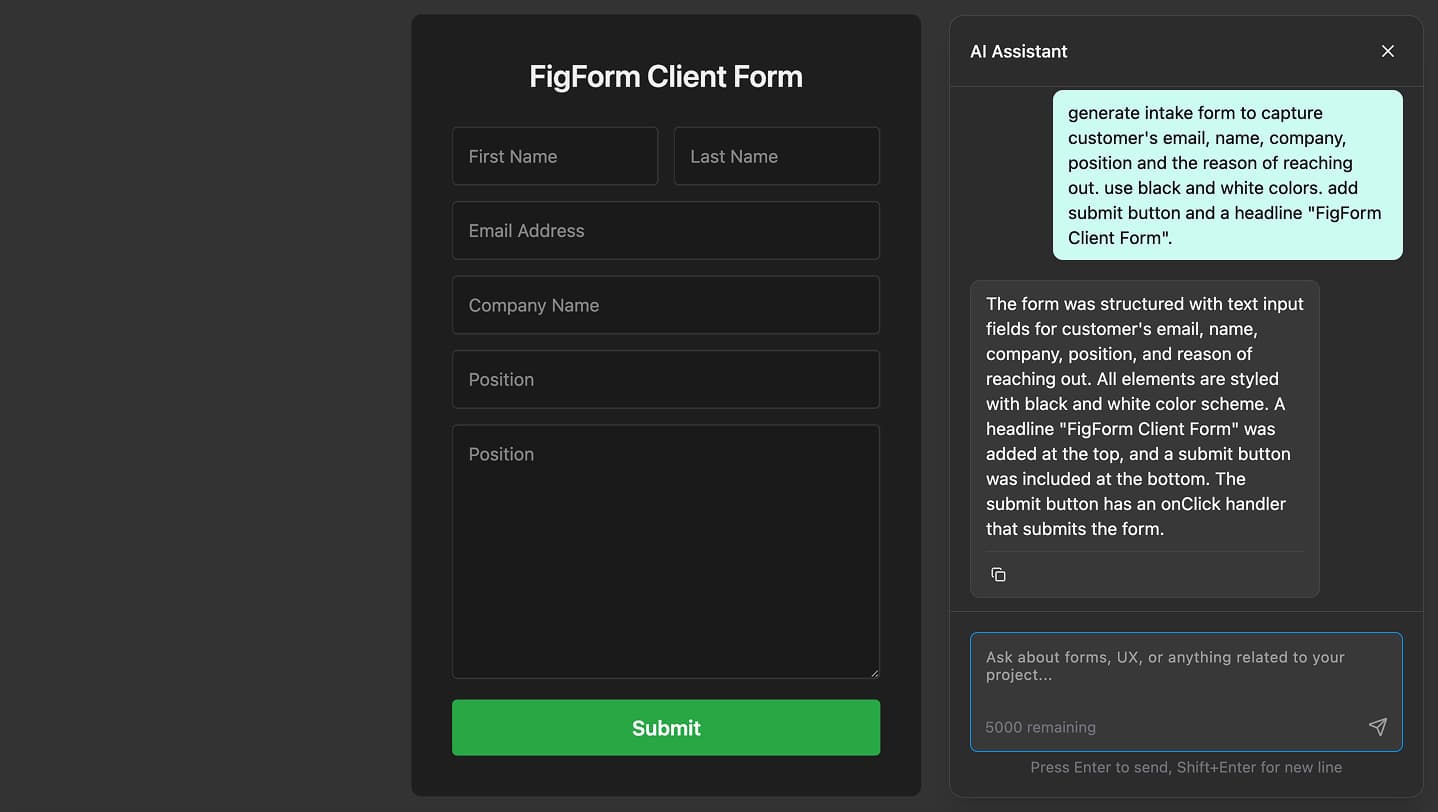
FigForm includes an AI chat panel - your personal assistant dedicated to forms.
You can say things like:
- "Create a pre-screen questionnaire for senior product managers, keep it under 8 questions"
- "Rewrite these questions in plain, friendly language for candidates early in their career"
- "I need an internal mobility interest form for engineers considering a move into leadership"
The AI suggests:
- Fields and question wording
- Helper text and hints
- Variations you can test for shorter/faster flows
You keep full control, AI just accelerates you.
Ready to design a form?
Start creating stunning forms using an intuitive editor with a free account.
Start designingFrom Idea to Live Branded Talent Form in 5 Steps
Here's a simple flow you can reuse for any new form.
Step 1: Draft with FigForm AI
Open the AI chat panel and explain:
- Who the form is for
- How long it should feel ("2-3 minutes max")
- What decisions you'll make from responses
The AI produces a draft form you can accept, trim, or expand.
Step 2: Apply your brand and layout
On the canvas:
- Drop in your logo and brand colors
- Use headings, short intros, and clear section labels
- Add a photo or illustration that matches your careers page
You now have a form that feels like your brand - not a generic widget.
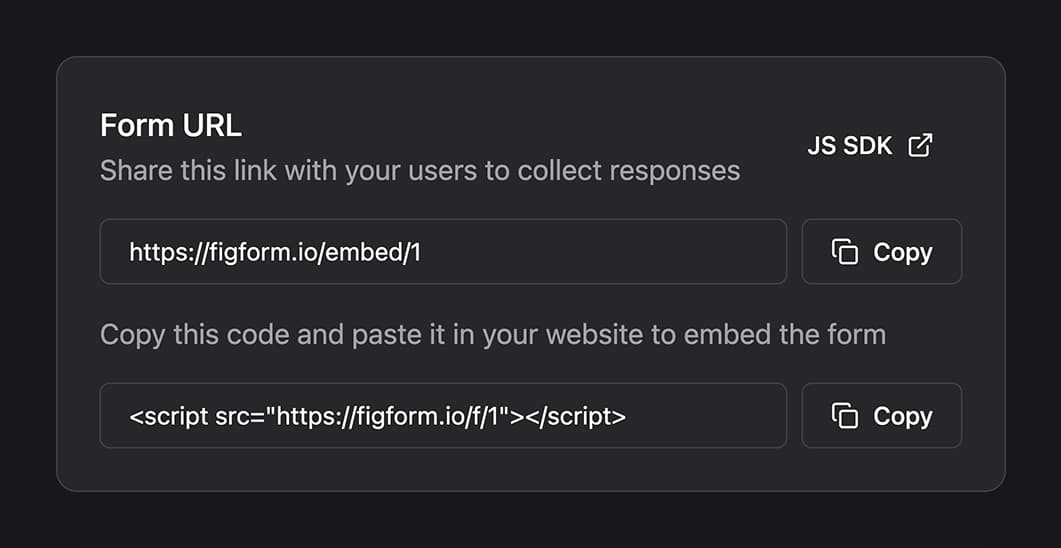
Step 3: Put it into production with a single line
When everything looks right, you can deploy FigForm with one script tag. Add this snippet wherever you want the form to appear (replacing FORM-ID with the ID of your form):
If you'd rather share it as a standalone page - for example with a hiring manager or at a campus event - use this URL format in your comms: https://figform.com/embed/FORM-ID
No additional infrastructure, frameworks, or deployments.
Step 4: Share and improve
Once responses start coming in:
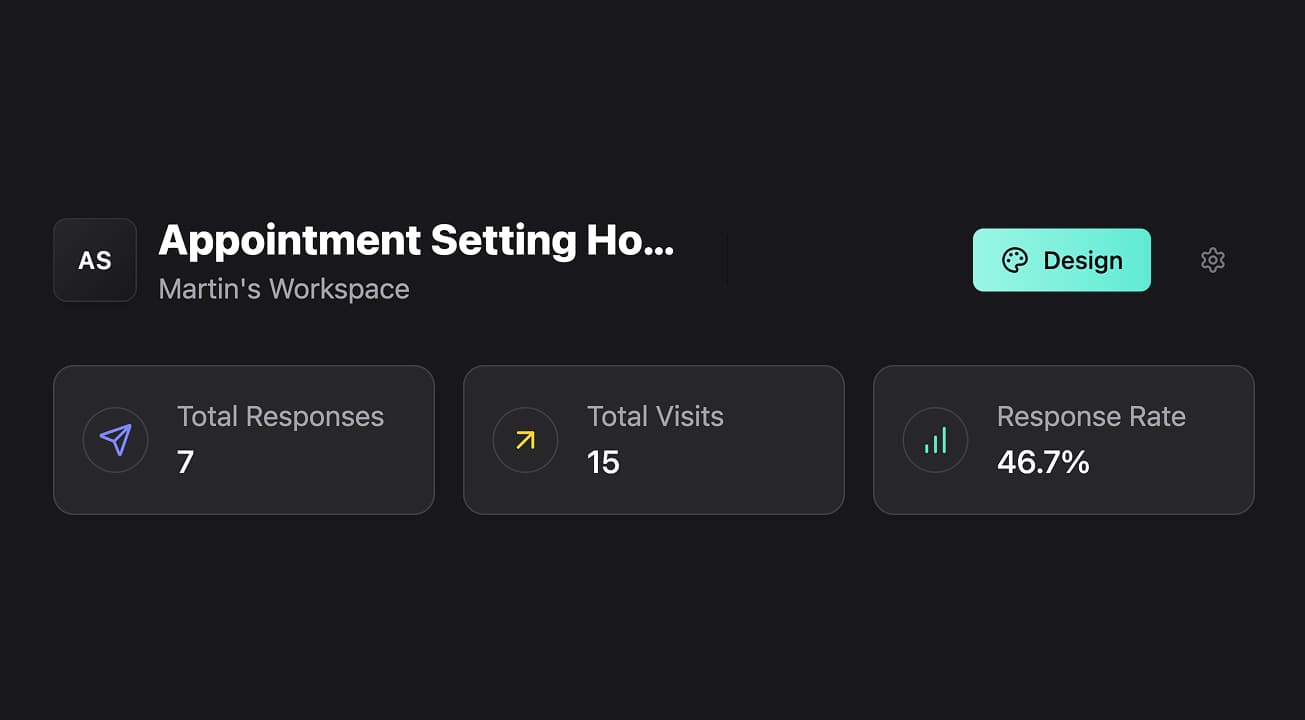
- Check performance in FigForm's analytics
- Adjust copy or questions
- Duplicate the form for similar roles or regions and tweak branding per workspace
See What's Working: Analytics Talent Teams Can Actually Use
You don't need a huge dashboard to understand your forms. FigForm surfaces a few key numbers for each form:
- Form views - how many people landed on it
- Completed submissions - how many finished
- Completion rate - the percentage of visitors who made it all the way through
As a Talent Manager, you can read those at a glance:
- Low views? The form might be buried or not linked clearly from your careers site or internal portal.
- Many views but low completion rate? Consider shortening the form, clarifying the intro, or adding a trust note about data usage.
- Strong completion rate? Great - invest in automation and follow-up, because the pipeline is real.
Ready to design a form?
Start creating stunning forms using an intuitive editor with a free account.
Start designingConnect to Your Talent Stack with Webhooks
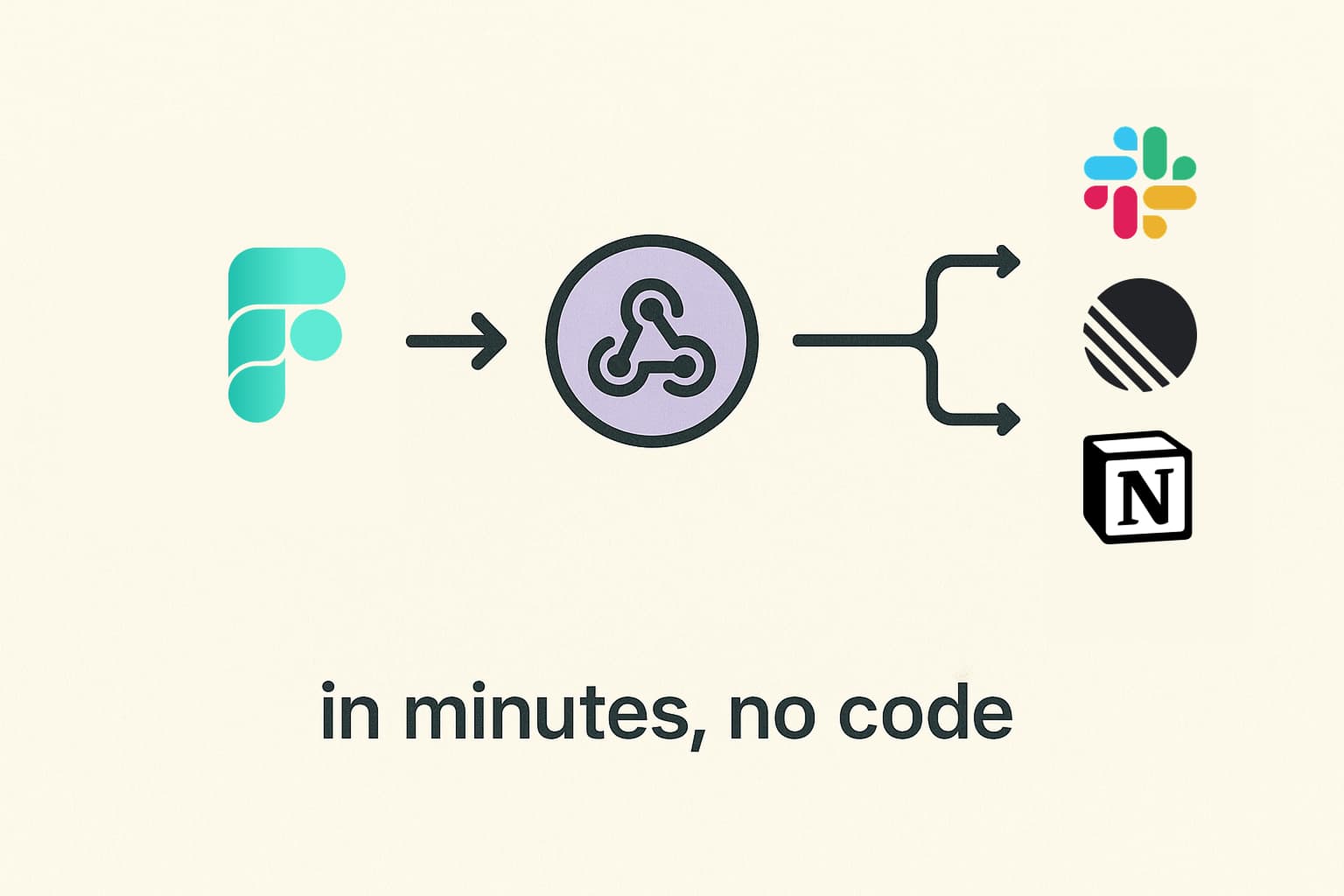
Collecting responses is only half the job. You also need to move them into the tools where work gets done.
FigForm lets you plug into automation platforms via webhooks. You get the flexibility of a modern automation stack, without having to wait for engineering to "build an integration".
Keep Teams, Clients, and Brands Clean with Workspaces
Talent operations rarely live in a single neat box. You might support:
- Multiple business units or regions
- Several brands under one umbrella
- Agency or RPO clients
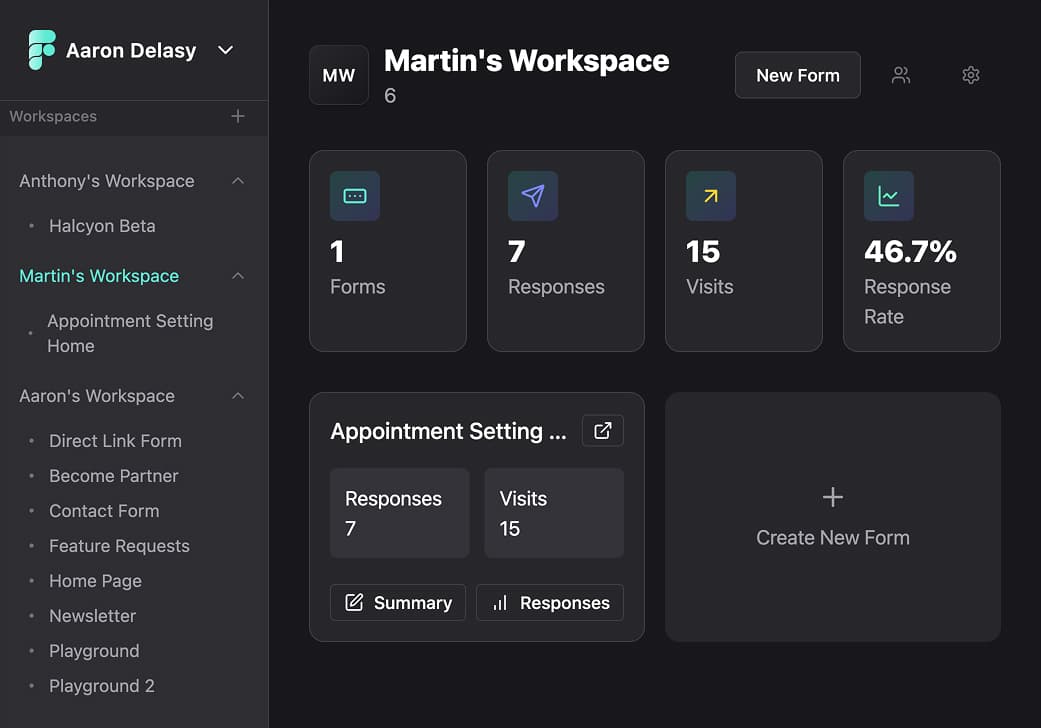
FigForm's workspaces feature lets you mirror that structure:
- Create separate workspaces for each organization, client, or major project.
- Assign multiple forms into each workspace so everything stays grouped.
- Keep analytics and exports scoped to the right audience.
It's like giving each part of your talent operation its own neatly labeled folder - inside one form system.
Own Your Data: Responses & Smart Exports
Data privacy and signal quality both matter for talent teams.
FigForm helps you keep control:
-
Review responses in the app
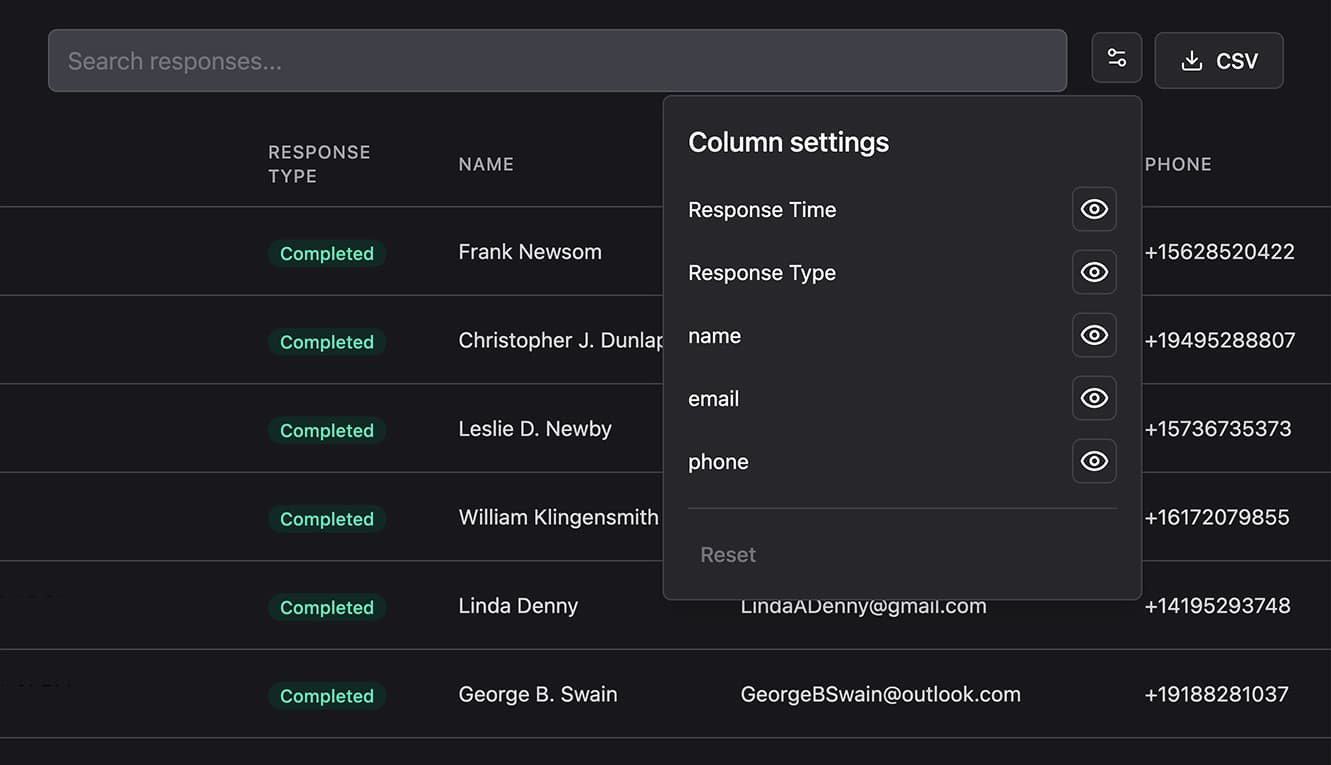
- Quickly scan who submitted, key answers, and timestamps.
- Use this to prepare for debriefs or calibration sessions.
-
Export to CSV with field-level control
- Choose which fields to include in each export.
- Share just what hiring managers need (for instance, removing salary fields in some exports) while keeping sensitive data restricted internally.
This keeps collaboration smooth and compliant without adding complexity to your workflow.
Free to Start, Simple to Upgrade
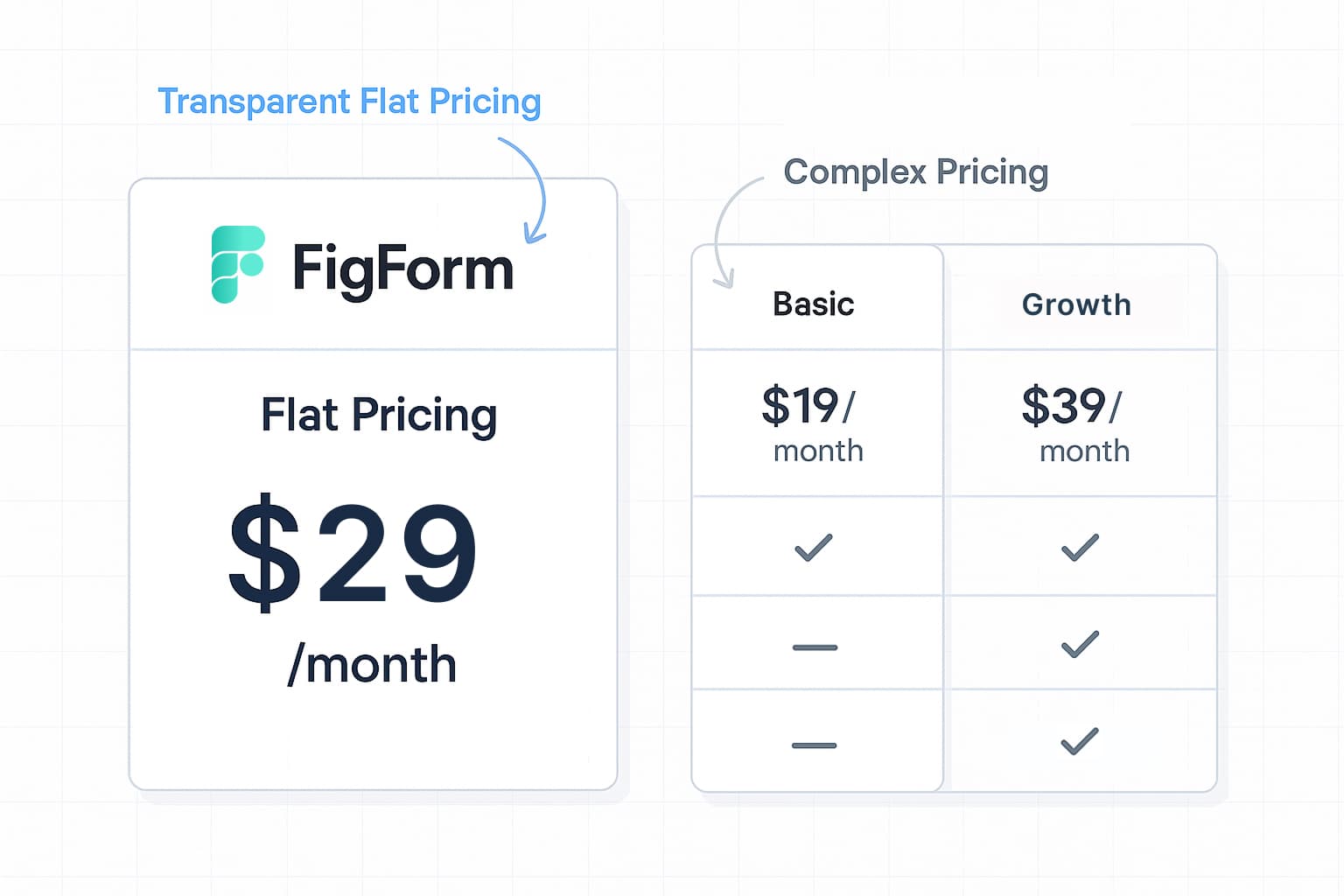
Good tools shouldn't block you at the pilot stage. FigForm is a free form builder to start, designed so talent teams can experiment freely.
-
Free plan
- No limit on how many forms you create.
- No limit on how many responses you receive.
- Perfect for rolling out forms across your hiring process, internal mobility, and engagement flows without worrying about "running out" of form capacity.
-
Pro plan
- Same foundation, plus access to more AI requests in the chat panel.
- Flat, transparent monthly pricing - easy to justify when you're using AI heavily to draft and refine forms across many roles or regions.
Start on free, prove value quickly, then move up only when your team relies on AI enough that extra capacity pays for itself in hours saved.
Why FigForm Changes the Way Talent Teams Build Forms
By this point, the arc should be clear:
- Your forms are shaping your talent brand and candidate experience - whether you like it or not.
- Traditional tools either ignore design or demand developer time you don't have.
- An intuitive no-code form builder tuned for talent lets you own the experience end-to-end.
- FigForm's AI assistant turns your goals into real forms in minutes, and its analytics, webhooks, workspaces, and exports keep the whole operation tidy.
FigForm isn't just a nicer form. It's a new way for Talent Managers to design, ship, and iterate on branded forms without depending on engineering.
If you've been looking for a form builder for talent managers that:
- feels like a design tool form builder,
- behaves like a modern no-code form builder, and
- is available as a free form builder with room to grow
Then the next move is simple: design one form, ship it, and watch how much easier the next ten become.