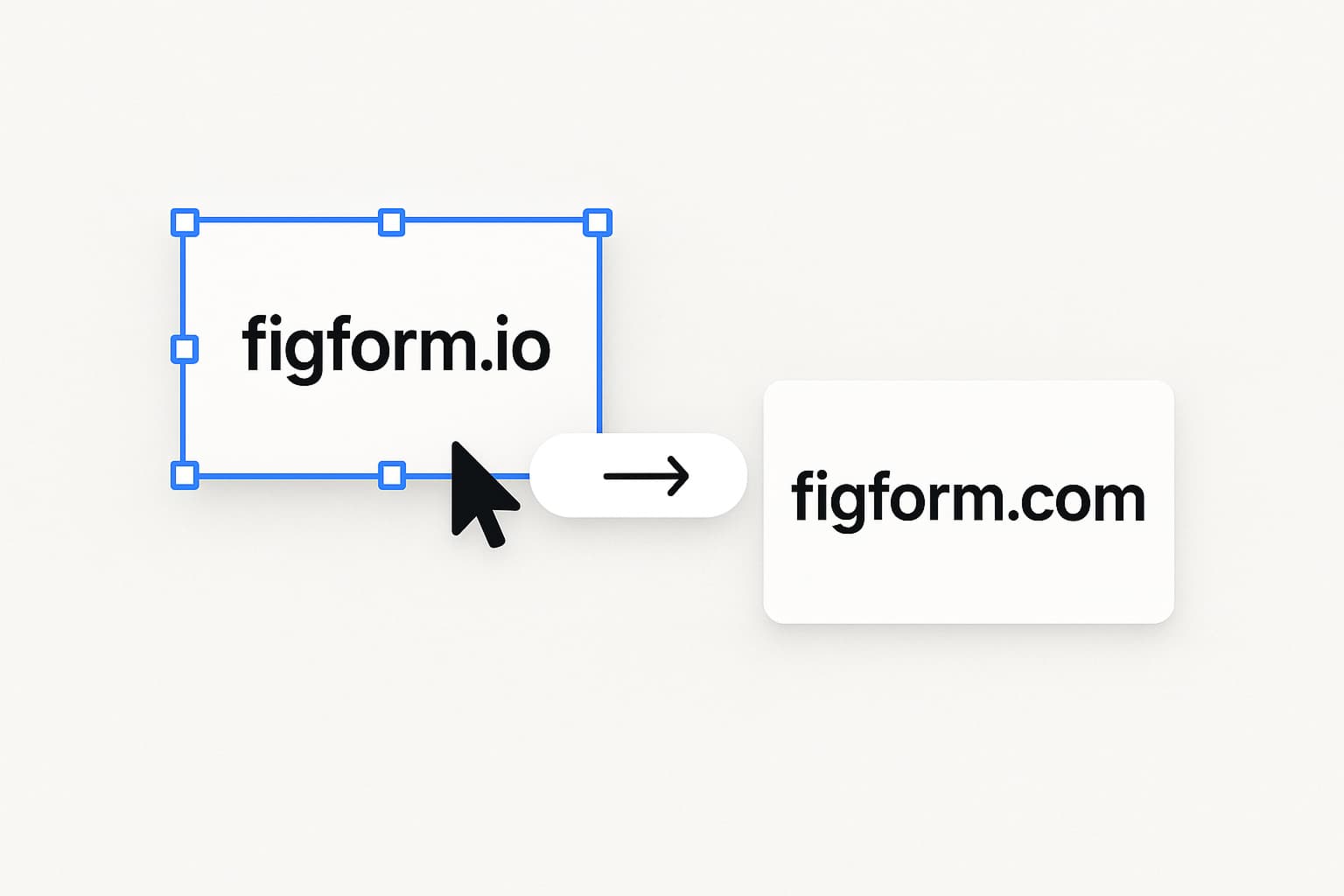
We've moved FigForm from figform.io to figform.com.
This is a small change on the surface, but it touches everything from logins and emails to embeds and webhooks. This post explains what changed, what stays the same, and what (if anything) you need to update.
TL;DR
- FigForm now lives at figform.com instead of figform.io.
- Your account, forms, responses, and billing are unchanged.
- If you've hard-coded domains (embeds, SDK settings, webhooks, allowlists, CSP), update them to figform.com and remove figform.io.
Why we moved
FigForm exists to help you ship brand-faithful, production-grade forms without touching code.
Having the product live on figform.com removes a small but constant mismatch:
- Your forms look like your product.
- Your form URLs now look like your vendor is a product company, not a side project.
- It's easier to remember, share, and trust: FigForm → figform.com.
This change also unifies our infrastructure (product, docs, and email) under a single primary domain so we can ship new features faster and with less DNS / auth friction.
What changed
App & dashboard
- Old:
https://figform.io/dashboard - New:
https://figform.com/dashboard
If you had the app bookmarked on .io, update the bookmark to the .com domain.
Public form URLs
Anywhere you previously saw a public form URL on *.figform.io, you'll now see the .com equivalent.
Update every live link to the .com version. The path stays the same. Check:
- Website CTAs
- Help center articles
- Social posts, email sequences, and ads
- QR codes in offline materials
Embeds
If you're using FigForm embeds, replace figform.io with figform.com in your snippet.
Before:
After:
Update every snippet that still points at .io, and remove figform.io from your CSP.
If you use the figform npm package, update it to 0.2.0 or later (npm install figform@latest), which defaults to figform.com. If you set baseUrl to figform.io, remove it.
Emails
Our email identities have moved from @figform.io to @figform.com.
Please use the .com addresses for all mail. Replies and system notifications come from .com senders.
If you maintain sender allowlists or mail rules, add the .com versions and remove the .io ones.
What stays exactly the same
- Your account and login method
- All forms, themes, and designs
- All responses and historical data
- Your billing and subscription status
- Our product roadmap and pace of shipping
This is a domain migration, not a product migration.
FAQ
Will my old FigForm links break?
Don't rely on .io links. Update them to .com; the path stays the same.
Do I need to recreate my forms?
No. All forms, responses, and settings are untouched.
Does this change pricing or my plan?
No. Your subscription and usage stay exactly the same.
Will embeds or integrations stop working?
Don't rely on .io for embeds or integrations. Update your domains (embeds, API clients, CSP, allowlists) to figform.com, and update the figform npm package to 0.2.0 or later.
What about emails I already have in workflows?
Please use @figform.com for all mail, and update your workflows to it.
Closing
FigForm exists to help you ship on-brand forms that feel like part of your product, not a bolt-on widget.
Moving to figform.com is a small but important step in making FigForm itself feel as polished and product-grade as the forms you build with it.
If you run into anything unexpected during the transition, we want to hear about it. You can reach us at our new support email: [email protected].
Thanks for building with FigForm. 💚