Why SEO specialists need more than a boxy contact form
SEO teams own growth moments that happen after the click: content downloads, demo requests, newsletter signups, waitlists, and contest entries. Too often those moments stall because forms are:
- Off-brand (hurting trust and conversion),
- Hard to change (developer backlog), or
- Visually bland (ignored by scanners and skimmers).
FigForm fixes this with three core ideas:
- Branded forms that actually look like your site.
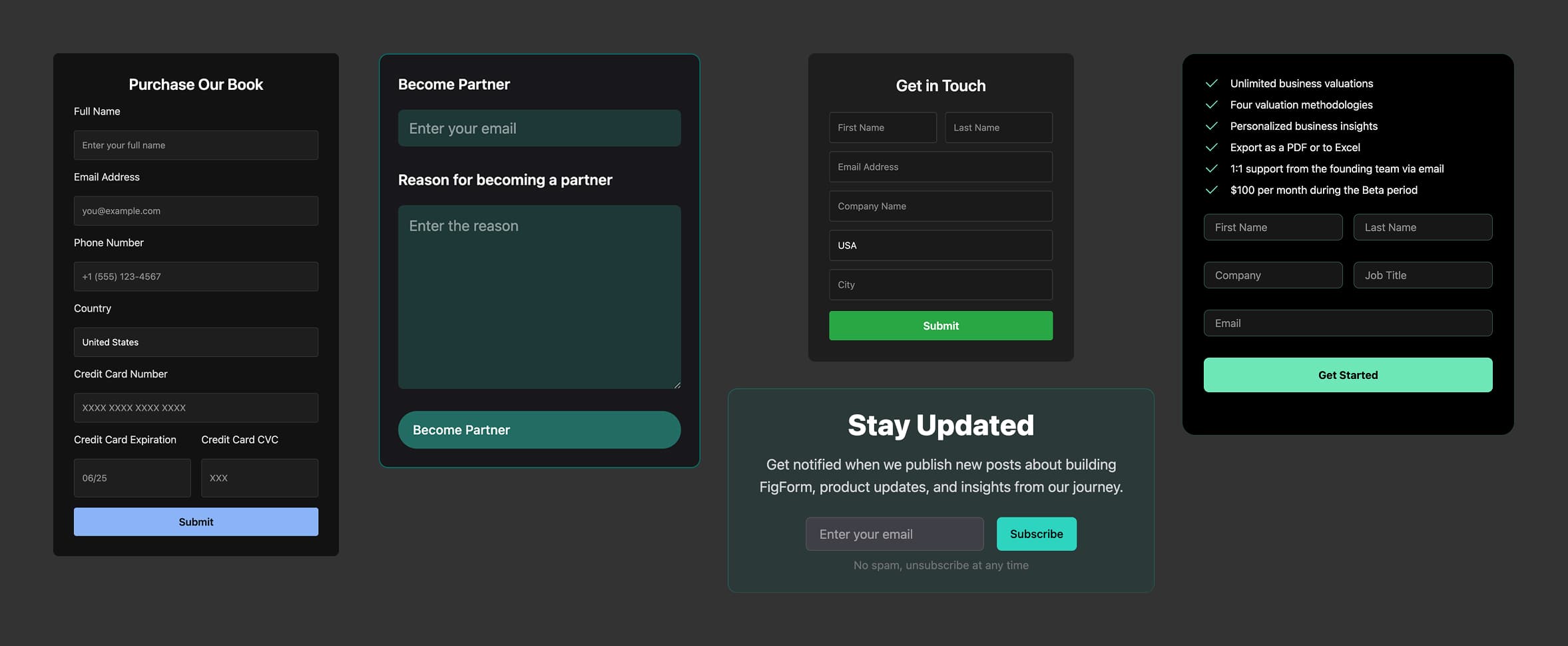
- Visually rich forms that feel like part of the page - not an afterthought.
- AI-enhanced form generation to get from brief to publishable form fast.
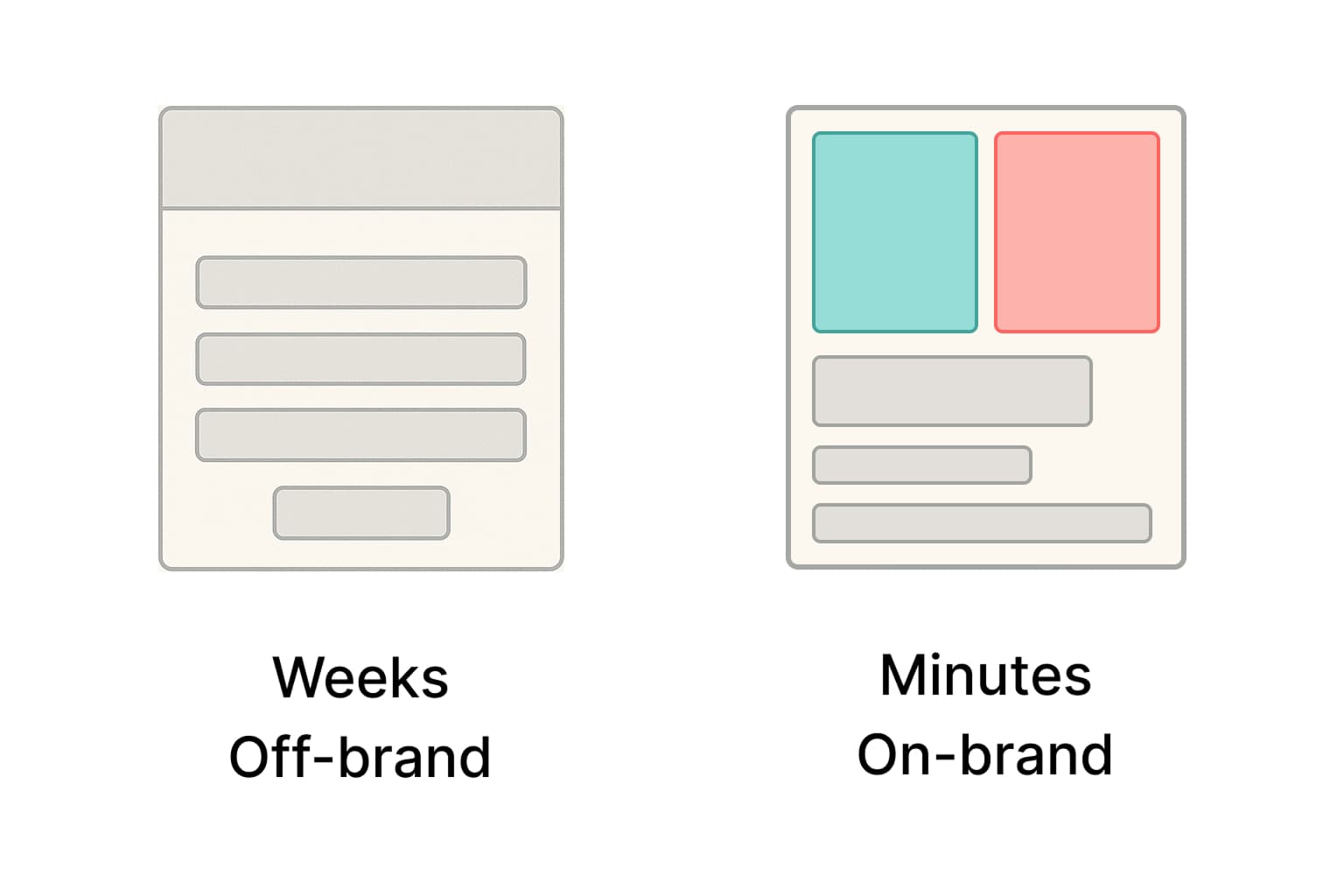
Build branded forms, no code
With FigForm's intuitive editor, you can match the look and feel of your brand - or your client's - without touching code. Adjust layout, spacing, and visual elements so forms blend into landing pages and blog posts.
- Stay on brand: Keep typography, color, and spacing consistent across every form.
- Reuse styles across campaigns: Clone and tweak to speed up production for seasonal promos, webinars, or content offers.
- Publish anywhere: Drop a single line into your landing page and you're live.

Visually rich forms that people actually notice
SEO pages attract scanners. Rich visuals guide attention and reduce friction:
- Use imagery to contextualize offers (e.g., eBook cover, event banner).
- Group fields into clean "cards" for easier scanning.
- Add micro-copy areas to clarify value ("Your PDF arrives instantly").
Ready to design a form?
Start creating stunning forms using an intuitive editor with a free account.
Start designingAI-enhanced form generation: from brief to draft in minutes
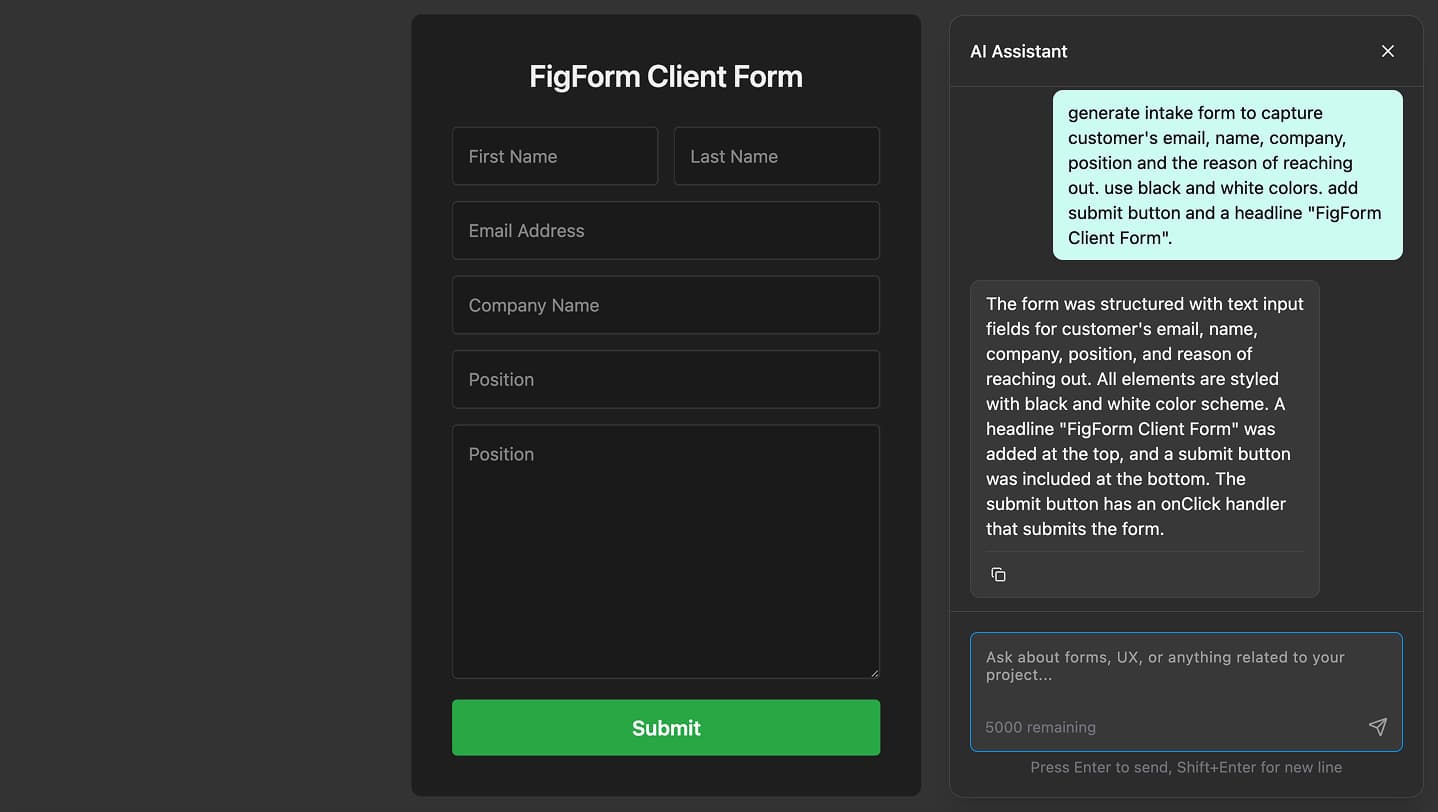
The FigForm AI chat panel lets you talk to flagship AI models to bootstrap or refine your form. Paste a campaign brief and ask for a draft with labels, helper text, and a layout suggestion.
Prompt ideas you can use:
- "Draft a B2B ebook download form with First/Last, Work Email, Company Size, and a short GDPR consent note"
- "Refine the layout for mobile, reduce vertical scroll and suggest shorter labels"
- "Rewrite helper text to improve clarity and tone - keep it friendly, not salesy"
The essentials for SEO workflows
Step 1: One-line production embed
Add your form to a landing page or blog post with a single script tag:
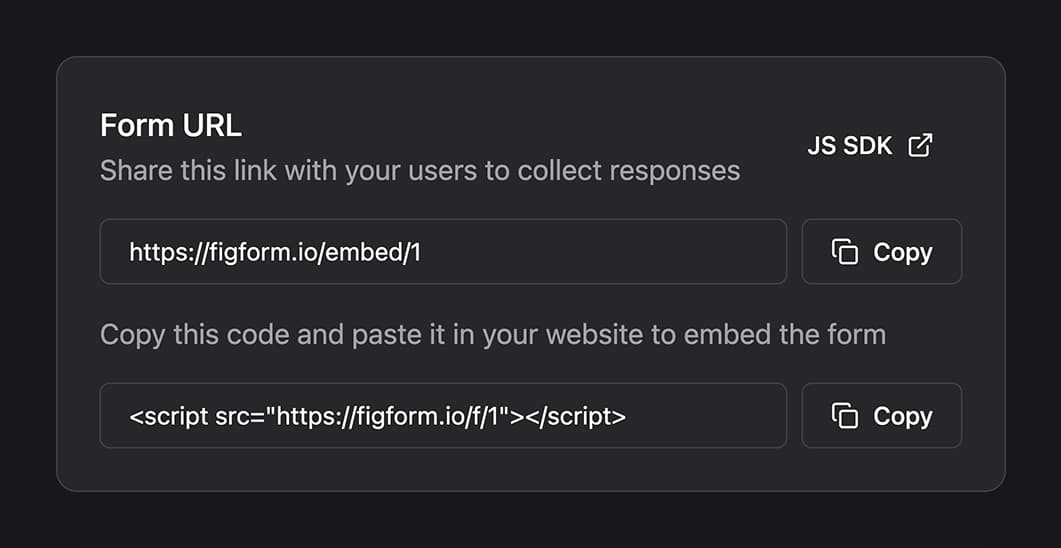
If you prefer, you can also share a hosted form via https://figform.com/embed/FORM-ID (great for quick approvals or campaign testing).
Ready to design a form?
Start creating stunning forms using an intuitive editor with a free account.
Start designingStep 2: Analytics that tell you what matters
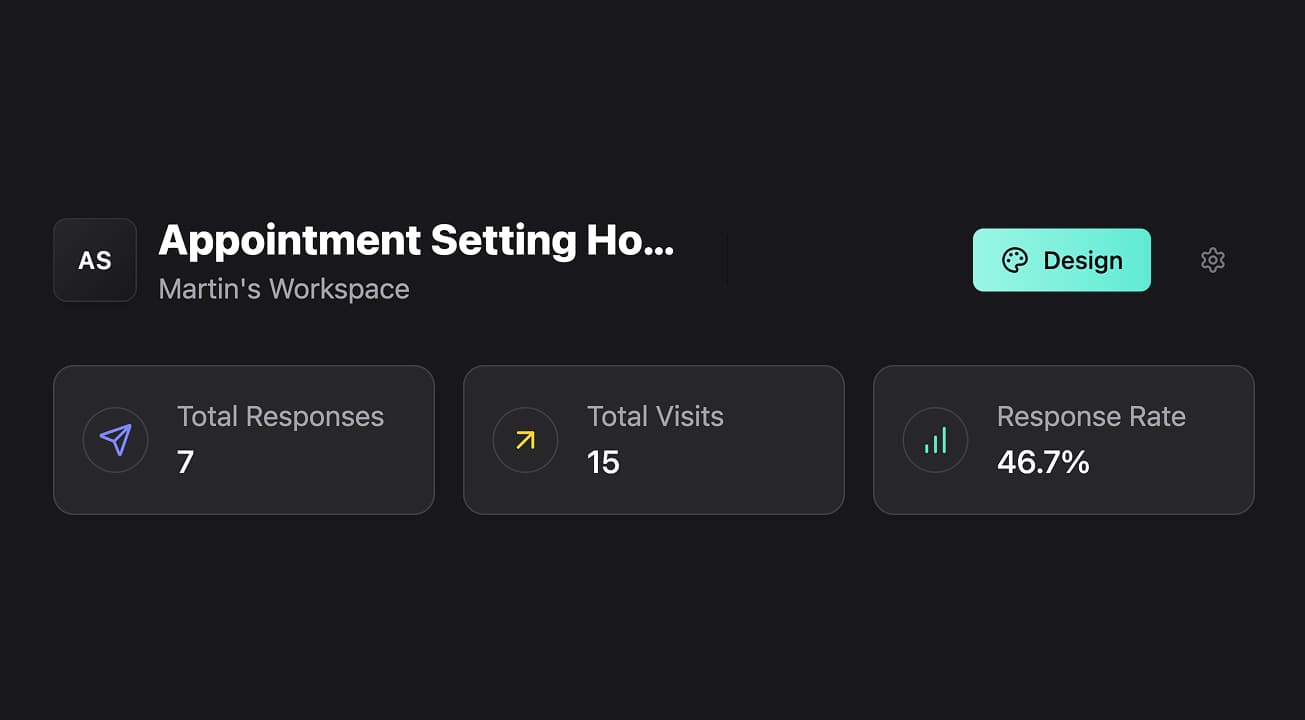
FigForm includes simple, focused analytics right in the UI:
- Visits - How many people viewed the form.
- Filled out - How many completed it.
- Response rate - Your conversion rate at a glance.
Use these to judge lift from a new headline, a shorter variant, or a visual tweak - without building a dashboard.
Step 3: Webhooks to the tools you already trust
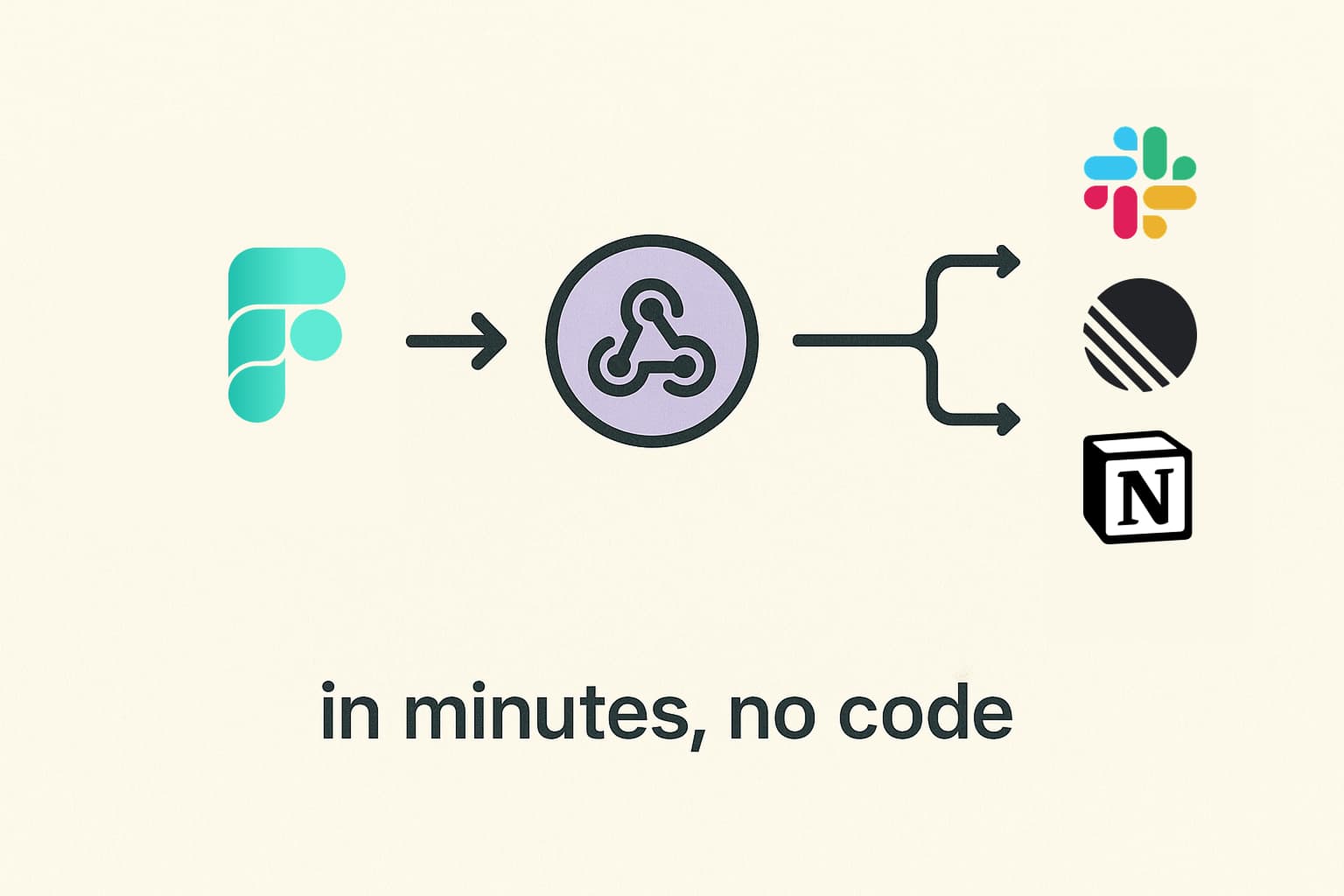
Connect Make, n8n, or Zapier via webhooks to automate handoffs immediately:
- Push leads to your CRM.
- Notify a Slack channel when high-intent forms submit.
- Trigger nurture emails or add to a marketing list.
Step 4: Responses in the UI and selective CSV exports
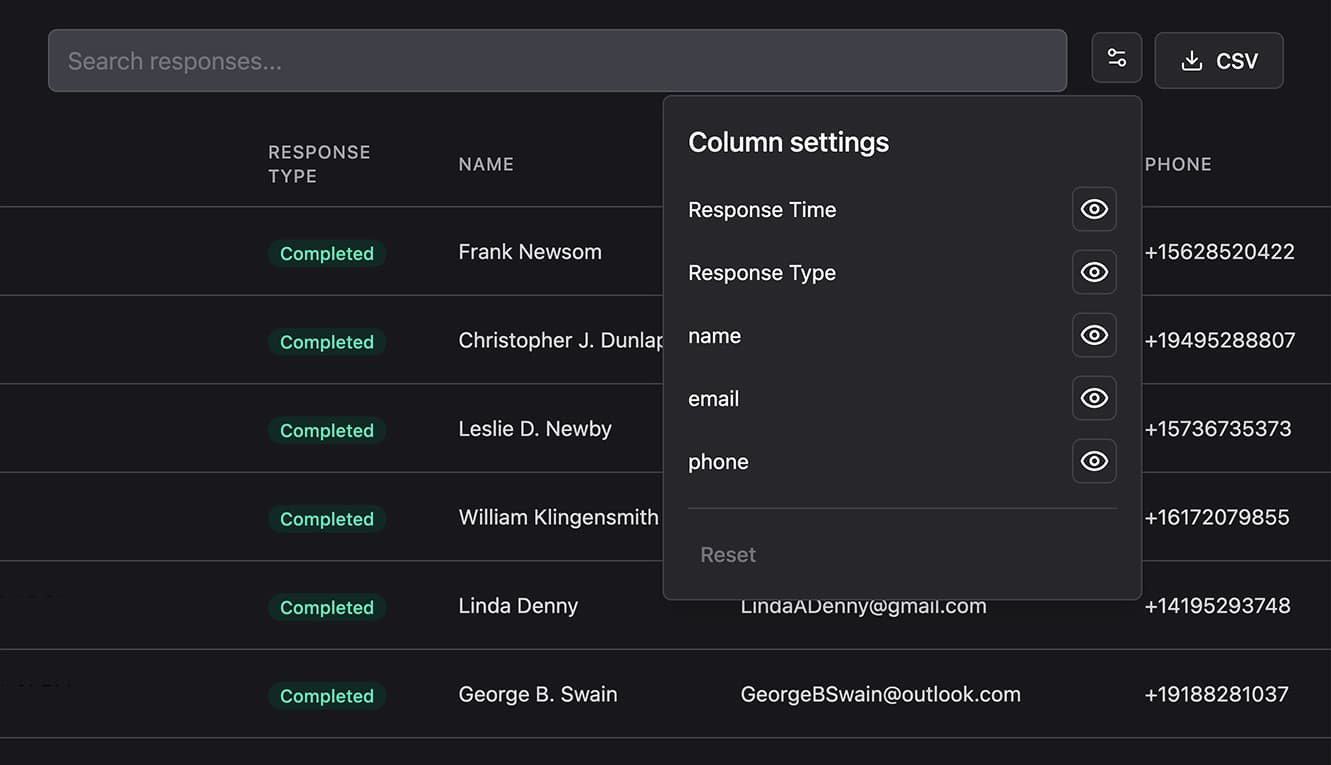
View responses directly in FigForm and export exactly what you need:
- In-app responses: Quickly scan submissions for QA or rapid follow-up.
- CSV export with field control: Choose which fields to include so stakeholders get only relevant data.
Step 5: Workspaces for agencies and multi-brand teams
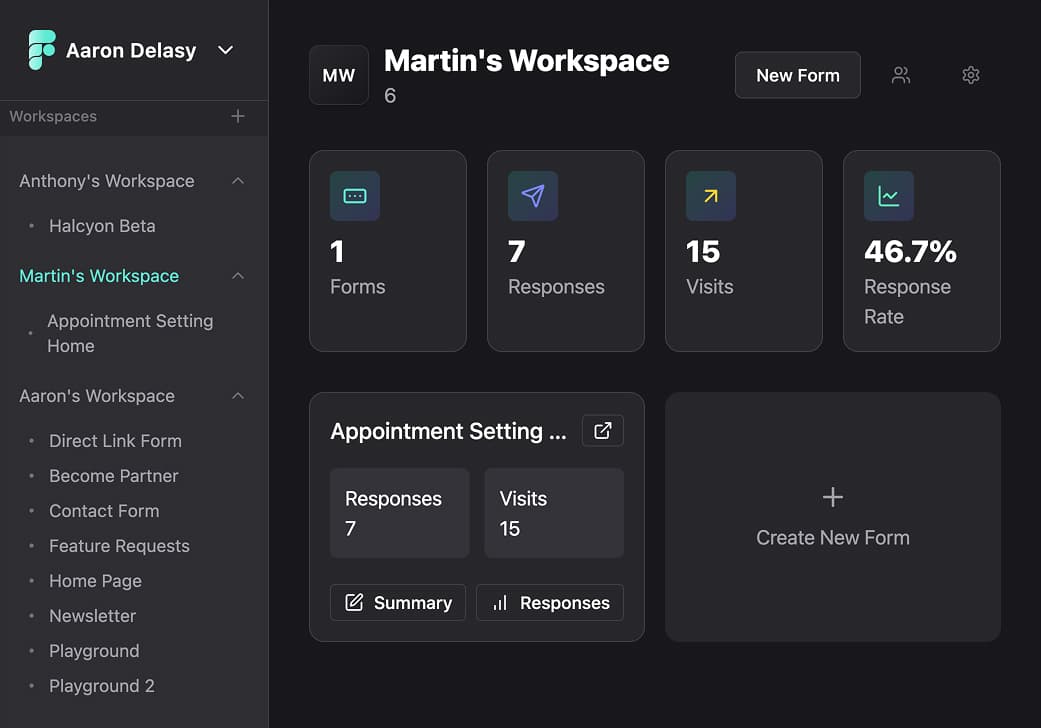
Create multiple workspaces and assign multiple forms to each. Keep brand assets, forms, and analytics cleanly separated by client, organization, or project - perfect for agencies and in-house teams juggling several brands.
Where FigForm fits in your SEO toolkit
If you're searching for a form builder for SEO specialists, FigForm is deliberately designed for your work:
- A truly no-code form builder that respects brands.
- An intuitive form builder editing experience that marketers actually enjoy using.
- A genuinely free form builder option for teams that need to move fast without procurement hurdles.
- Built-in essentials - analytics, webhooks, responses UI, and CSV export - so you can prove impact and keep data flowing.
Ready to design a form?
Start creating stunning forms using an intuitive editor with a free account.
Start designingPricing that aligns to how SEO teams work
- Free plan - Access to unlimited responses and unlimited forms. Spin up as many assets as you need across campaigns and clients.
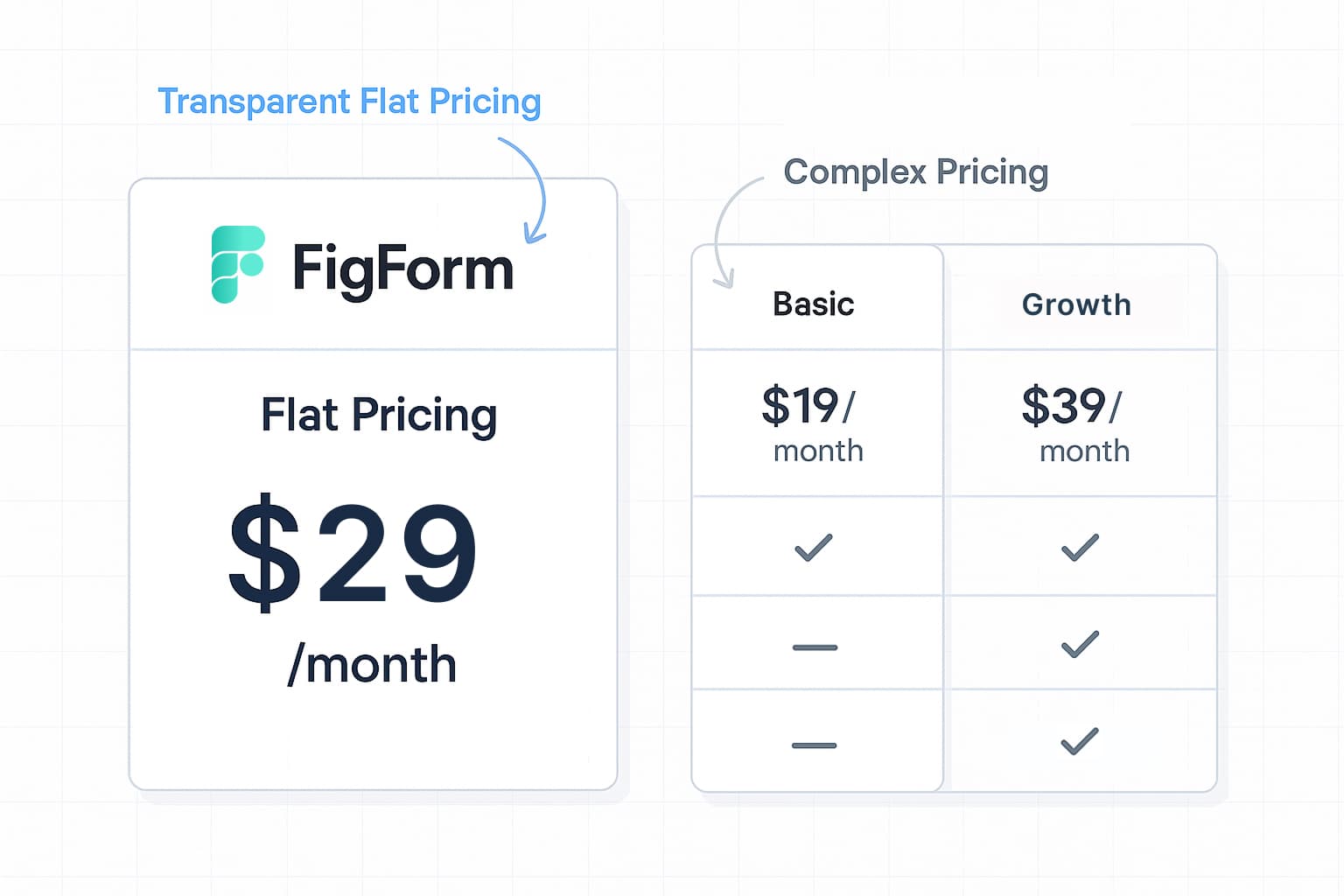
- Pro plan - Use smarter/bigger AI models in the AI chat panel with a transparent, flat monthly pricing model. Upgrade when you want deeper AI assistance and faster iteration.
Ready to turn SEO traffic into branded conversions?
You've spent time winning the click. Now make the post-click experience match the promise of your page - beautifully, and without waiting on a dev ticket.
Try FigForm as your no-code form builder and design with the design tool form builder experience you already know.